Brand Intelligence Dashboard
The Brand Intelligence dashboard is your command center for brand monitoring. TruthVouch automatically aggregates accuracy data from 9+ AI engines, highlights emerging narratives, and surfaces the most impactful action items in real-time.
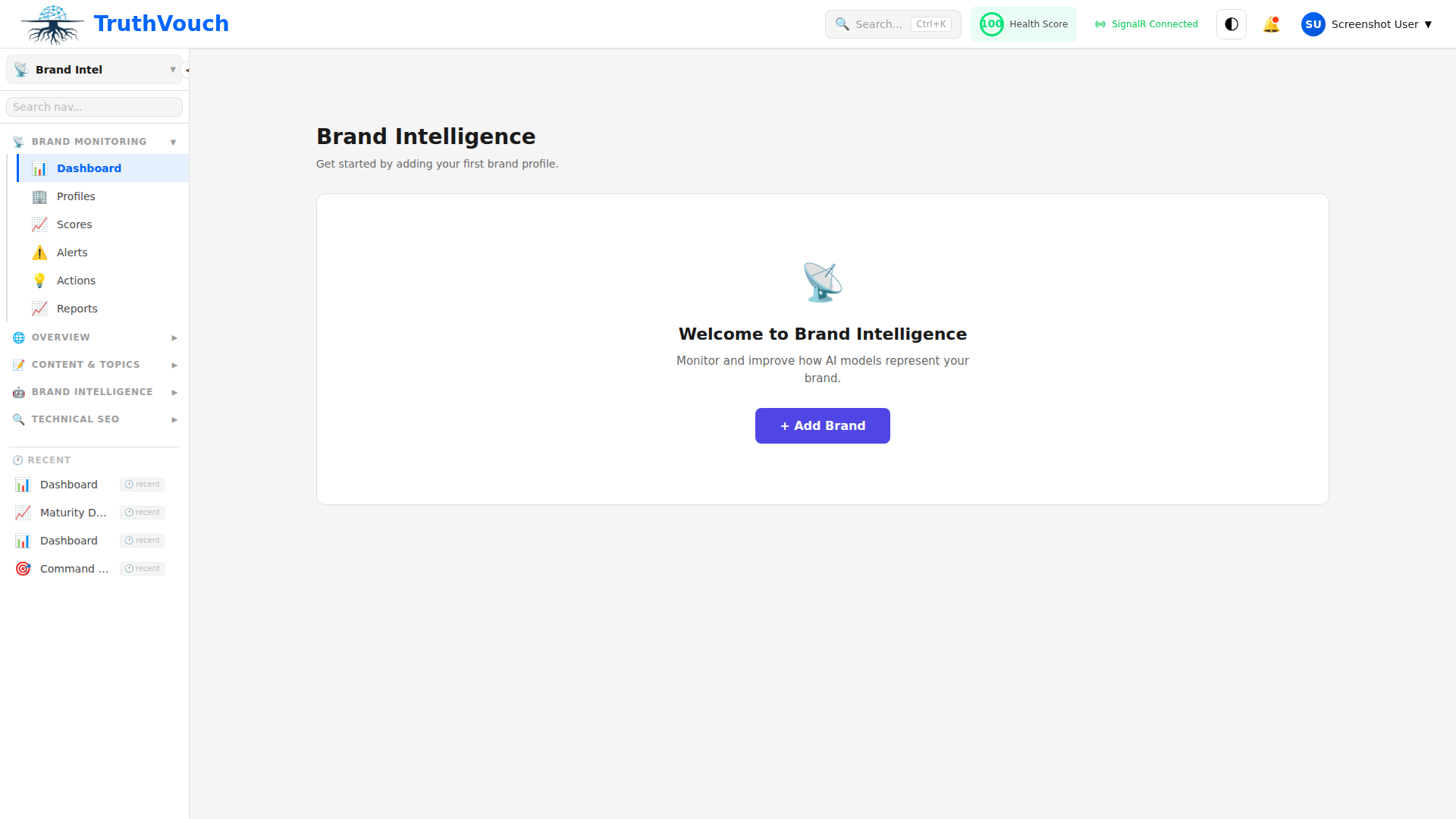
Dashboard Overview
The main dashboard shows at a glance:
Brand Accuracy Score (Top Left)
A 0-100 score aggregating accuracy across all monitored AI engines. This is calculated as:
- Average of per-engine accuracy scores
- Weighted by query frequency
- Refreshed weekly
What it means:
- 90+: Your brand is represented accurately across all engines. Minor gaps only.
- 70-89: Most engines have you correct, but some inaccuracies exist. Prioritize fixes.
- 50-69: Significant accuracy gaps. Multiple engines have outdated or wrong information.
- <50: Major representation issues. Requires immediate attention to website content.
Click the score to see the calculation breakdown: which engines pulled you up, which pulled you down, and which specific claims were inaccurate.
Trend Chart (Top Center)
Week-over-week Brand Accuracy Score trend. A green line means improving, red means declining.
What drives changes:
- You fixed inaccuracies on your website and AI retrained on that content
- You added new truth nuggets and AI doesn’t yet know about them
- A competitor’s content contaminated AI training data
- An AI model was updated with new training data
Click any point to see what changed that week and which engines contributed to the shift.
Per-Engine Breakdown (Top Right)
Individual accuracy scores for ChatGPT, Claude, Gemini, Perplexity, Copilot, and other monitored engines.
Why engines differ:
- Different training data cutoff dates
- Different model architectures
- Different fine-tuning approaches
Engines are ranked by accuracy score. The engine with the worst score is shown with a red indicator. Click an engine name to drill into its specific inaccuracies.
Alerts & Action Items Section
Critical Inaccuracies (Red)
Claims that are factually wrong. Examples:
- “You were founded in 2018” (but you were actually founded in 2020)
- “Your product costs $100/month” (but it’s actually $500/month)
- “You have 50 customers” (outdated, you now have 500)
Each alert shows:
- What was said: The incorrect claim from the AI engine
- Correct info: Your ground truth
- Engine: Which engine made the claim
- Last detected: When the inaccuracy was first noticed
- Status: Acknowledged, In Progress, Resolved
Click View to see the full context and suggested corrections.
Missing Information (Yellow)
Claims that should exist but don’t. Examples:
- No mention of your new product launched 3 months ago
- AI doesn’t know you’re now in Europe (you expanded last year)
- AI doesn’t mention your partnership with [major company]
These are less urgent than inaccuracies, but contribute to AI visibility gaps.
Resolved Issues (Green)
Inaccuracies you’ve fixed. Shows which corrections were deployed and when they were absorbed by AI engines.
Narratives Section
A narrative is a cluster of related claims about your brand. TruthVouch automatically clusters similar claims and surfaces your top 5 narratives on the dashboard:
Positive Narratives
- “You’re a leader in AI safety”
- “You have enterprise-grade compliance”
- “Your founders are ex-Googlers”
Action: Lean into these. Create content that reinforces them.
Neutral Narratives
- “You’re a B2B SaaS company”
- “You serve mid-market and enterprise”
Action: These define your positioning. Keep them current.
Negative Narratives
- “Your pricing is expensive”
- “You’re a startup (implied: not stable)”
- “Your documentation is incomplete”
Action: Monitor these closely. Develop counterarguments in your content if they’re inaccurate.
Each narrative shows:
- Prevalence: How many times this claim appears across AI engines
- Polarity: Positive/neutral/negative
- Trend: Is it spreading or declining?
- Engines: Which engines repeat this narrative
- Sources: Where the narrative originates (often outdated blog posts or news articles)
Click a narrative to see examples of how it’s phrased, which engines repeat it, and content recommendations to strengthen or counter it.
Content Recommendations Section
Actionable items automatically pulled from your latest GEO audit and prioritized by impact:
By Priority (Impact)
-
High Impact, Easy Fix (Quick Wins)
- Add structured data markup to product pages
- Generate FAQ schema
- Create answer blocks for common questions
-
High Impact, Medium Effort
- Rewrite product descriptions for clarity
- Add internal links between related pages
- Improve content freshness on 3 key pages
-
Medium Impact, Easy Fix
- Improve heading hierarchy on blog
- Add citations to claims
Click View Recommendation to see:
- Specific page affected
- What to change
- Why it matters
- Content template (if applicable)
- Expected impact (e.g., “+5 points to GEO score”)
Many Quick Wins can be auto-fixed directly from the dashboard with one click.
Competitive Snapshot (if enabled)
If you’ve set up competitor monitoring, you’ll see:
- Your AI Visibility Score vs. Top Competitor
- GEO Score vs. Top Competitor
- Narrative Advantage: Which narratives favor you vs. competitors
- Content Gaps: Where competitors’ content is stronger
Click Competitive Report for the full analysis.
Filtering & Time Range
At the top of the dashboard:
- Time Range: Last 7 days, 30 days, 90 days, or custom range
- Engines Filter: Show all engines or select specific ones (useful if you only care about ChatGPT and Claude)
- Alert Status: Show all, unresolved, or resolved
- Category: Show all claims or filter to “Product,” “Team,” “Pricing,” etc.
Weekly Digest Section
A preview of your auto-generated weekly report (produced automatically every 7 days):
- Accuracy trend
- New narratives detected
- Top 3 action items
- Competitive movement (if enabled)
Click Edit Report Settings to customize:
- Delivery schedule (weekly, bi-weekly, monthly)
- Recipients (email, Slack, Teams)
- Detail level (summary, detailed, executive)
- Include competitors (yes/no)
Common Dashboard Workflows
”My Accuracy Score Dropped”
- Check the Trend Chart to see which week it dropped
- Look at Critical Inaccuracies — a new false claim usually caused it
- Review Per-Engine Breakdown to see which engine spread the misinformation
- Click the inaccuracy and use Suggested Corrections to create a response
”I Just Launched a New Product”
- Add product truth nuggets to your profile
- Run a GEO audit on your new product page
- Check back next week — dashboard will show whether AI engines have discovered it
- If missing, review GEO recommendations to optimize discoverability
”I Need to Update My Website”
- Sort Narratives by negative ones first
- Click each negative narrative to see content recommendations
- Implement the top 3-5 recommendations
- Re-run GEO audit after changes go live
- Check back next week for accuracy improvement
Metrics Explained
| Metric | Calculation | What It Means |
|---|---|---|
| Brand Accuracy Score | Average of per-engine scores | How accurately AI represents your brand overall |
| Per-Engine Score | % of truth nuggets verified correctly by that engine | How well each specific engine knows you |
| Narrative Prevalence | # of engines repeating the claim | How widespread a narrative is |
| Narrative Trend | Week-over-week change in prevalence | Is a narrative gaining or losing traction? |
| GEO Score | 0-100 across 12 audit dimensions | How optimized your website is for AI discovery |
| Action Item Priority | (Impact × 10) / (Effort + 1) | Which recommendations to implement first |
Next Steps
- GEO Audit Overview → — Understand the 12 audit dimensions driving recommendations
- Monitor AI Engines → — Deep dive into how each engine is scored
- Understand Narratives → — How claims are extracted and clustered
- Competitive Benchmarking → — Compare to competitors
- Configure Reports → — Customize alert channels and reporting