Brand Intelligence Getting Started
Brand Intelligence is designed to get you monitoring and insights within your first session. Follow this guide to go from zero to insights in 15 minutes.
Prerequisites
You’ll need:
- A TruthVouch account (Professional tier or above)
- Your website URL or a document describing your brand
- (Optional) URLs of up to 5 competitors to benchmark against
Step 1: Create Your Brand Profile (3 minutes)
Log into TruthVouch and navigate to Brand Intelligence → Setup.
- Company Name: Enter your official company name
- Business Description: 2-3 sentences describing what you do. “We build AI governance software for enterprises” is enough.
- Website URL: Provide your primary website
- Industry: Select from the dropdown (Tech, Finance, Healthcare, etc.)
- Target Markets: List the geographic markets or segments you serve
TruthVouch automatically crawls your website and extracts facts about your company. Click Continue.
Step 2: Define Your Truth Nuggets (5 minutes)
Truth nuggets are verified facts about your brand that AI should know. Brand Intelligence uses these to score accuracy across AI engines.
TruthVouch automatically suggests nuggets based on your website content. Review and add to the list:
Standard Truth Nuggets
- Company founding year
- Founder/leadership names
- Product/service names
- Key features and differentiators
- Pricing (if public)
- Target customer profile
- Website URL
- Contact information
- Recent announcements or launches
Custom Truth Nuggets
Add claim-based nuggets:
- “We serve 500+ enterprise customers”
- “Our platform supports 9+ AI engines”
- “Founded in 2020 by [founders]”
For each nugget:
- Claim: The factual statement (e.g., “Founded in 2019”)
- Source: Link to where this fact is documented (your website, press release, etc.)
- Category: Product, Team, Market Position, Company Info, etc.
Save and continue. You need a minimum of 5 nuggets to start monitoring, but 15-20 is recommended for comprehensive coverage.
Step 3: Enable Monitoring (2 minutes)
Navigate to Brand Intelligence → Monitoring Settings.
- Monitoring Frequency: Select weekly (default) or custom schedule
- AI Engines: Select which engines to monitor. Default includes ChatGPT, Claude, Gemini, Perplexity, and Copilot. You can disable engines you don’t care about.
- Alert Sensitivity: Choose between Balanced (recommended), High (more alerts), or Low (fewer alerts)
- Alert Channels: Add email, Slack, or Teams for notifications
- Competitive Benchmarking: (Optional) Enter up to 5 competitor domains
Click Enable Monitoring. TruthVouch automatically performs an initial scan (takes 2-5 minutes) and displays your first Brand Accuracy Score on the dashboard.
Step 4: Review Your Dashboard (2 minutes)
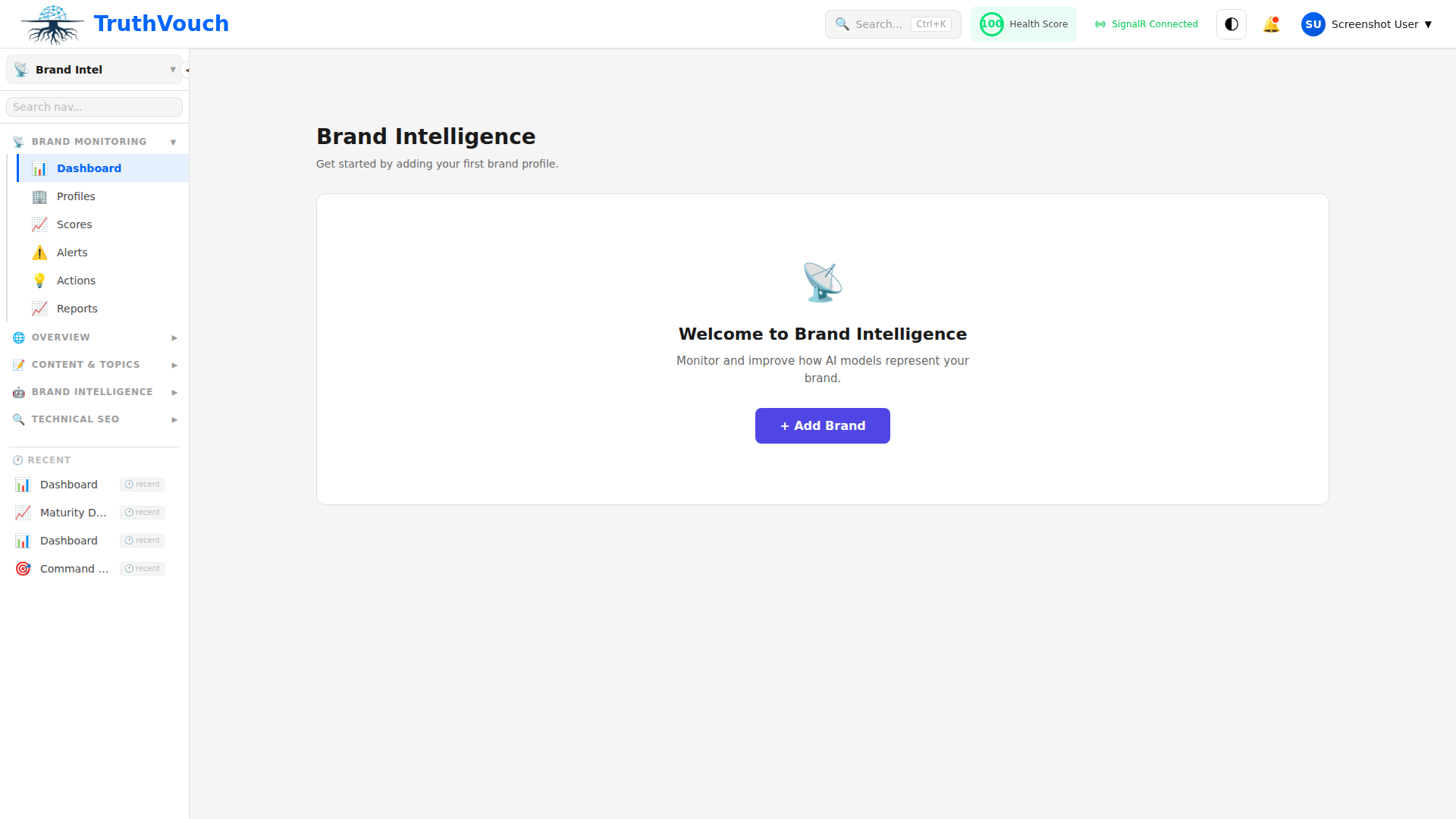
Navigate to Brand Intelligence → Dashboard.
You’ll see:
- Brand Accuracy Score: 0-100 aggregated across all engines
- Trend Chart: How accuracy has changed (only shows after first week of data)
- Per-Engine Breakdown: Accuracy score for each AI engine
- Recent Alerts: Inaccuracies detected in the last 7 days
- Top Narratives: Most common claims about your brand
Click on any alert to see:
- What the AI engine said
- What the correct information should be
- Which truth nugget was violated
- Suggested corrections
Step 5: Run Your First GEO Audit (3 minutes)
Navigate to Brand Intelligence → GEO → Site Audit and click Start New Audit.
- Website URL: Your website is pre-filled. You can audit subdomains or different paths if needed.
- Target Audience: Who should be able to find your content via AI? (e.g., “Enterprise CTOs”)
- Review Scope: Check which of the 12 audit dimensions matter most for your business. You can customize the audit or use the default (all 12).
Click Audit. TruthVouch automatically scans your entire site and generates:
- Overall GEO Score (0-100)
- Per-Dimension Scores (the 12 audit dimensions)
- Action Items — prioritized by impact
- Quick Wins — auto-fixable recommendations
Review your top 3-5 recommendations and either apply auto-fixes or assign to your content team.
Step 6: (Optional) Set Up Competitor Benchmarking (2 minutes)
Navigate to Brand Intelligence → Competitive → Setup.
- Add Competitors: Enter up to 5 competitor domains
- Sync Frequency: Weekly (default) or custom
- Metrics to Compare: AI Visibility Score, GEO Scores, Narrative Analysis
TruthVouch automatically audits competitors’ websites and tracks how AI engines represent them. Weekly competitive reports are generated automatically showing where you lead or lag.
After Setup: What Happens Automatically
- Weekly monitoring: Every 7 days, AI engines are queried and your truth nuggets are scored
- Alerts: You’ll be notified of accuracy drops, new narratives, or significant changes
- Reports: Auto-generated weekly summary delivered via email or Slack
- GEO recommendations: Updated as your content evolves
Common First Actions
After reviewing your dashboard and first audit, most customers do one of these:
If Accuracy Score is High (>80)
You’re in good shape. Focus on the weekly reports and watch for narrative shifts. Run GEO audits monthly to stay ahead of content optimization.
If Accuracy Score is Medium (50-80)
Review the specific inaccuracies detected. Many are due to:
- Outdated information on your website
- Missing content about recent products
- Ambiguous or jargon-heavy product descriptions
Update your website and re-audit in a week.
If Accuracy Score is Low (<50)
This usually means:
- Truth nuggets aren’t well-represented on your website
- Your website content is outdated
- AI systems have conflicting information from multiple sources
Prioritize updating your website, then add more detailed truth nuggets.
Regardless of Score
Run a GEO audit. Most businesses find 3-5 quick wins (auto-fixable items) that improve AI visibility immediately. Implement those first.
Next Steps
- Understand Your Dashboard → — Learn what each metric means
- GEO Audit Deep Dive → — Understand all 12 audit dimensions
- Monitor AI Engines → — Deep dive on engine-specific quirks
- Competitive Benchmarking → — Compare yourself to competitors in AI
- Weekly Reports → — Customize and schedule your reports