Getting Started with Certification
Content Certification follows a simple automated 3-step workflow: submit your content, automatically verify the claims, and embed the trust badge. This guide walks you through certification in under 5 minutes.
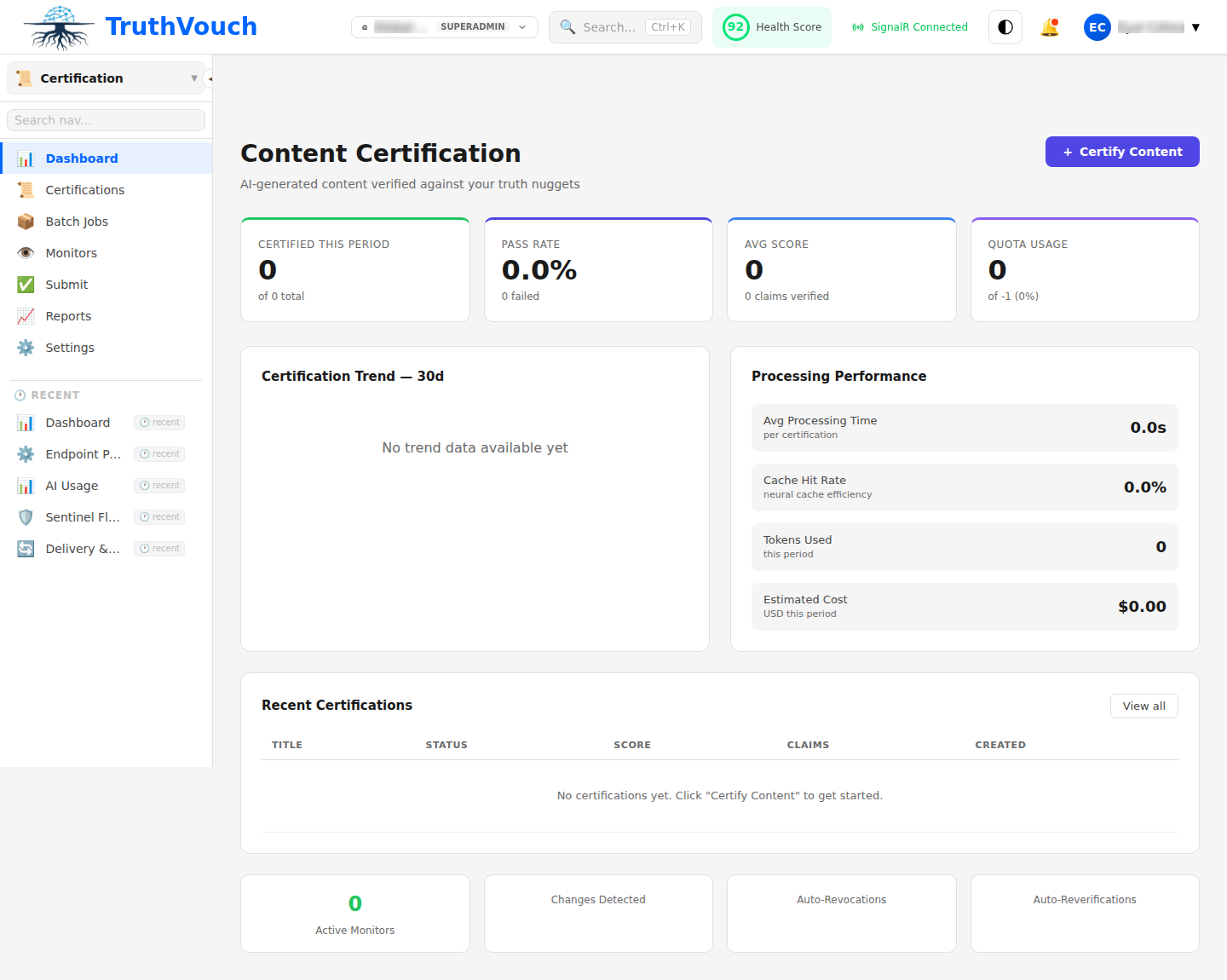
The 3-Step Flow
Step 1: Submit Content
Submit AI-generated content via dashboard or API:
Via Dashboard:
- Navigate to Certification → New Certificate
- Upload or paste your content (text, HTML, PDF, markdown)
- Optionally tag it (product, marketing, compliance, etc.)
- Click Certify
Via API:
from truthvouch import TruthVouch
client = TruthVouch(api_key="your-api-key")
response = client.certification.submit(    content="Product X costs $99/month and includes...",    content_type="text",    batch_id="batch-123")
print(f"Certificate ID: {response.certificate_id}")
Step 2: Review Claims & Score
TruthVouch automatically extracts factual claims and automatically verifies each against your truth nuggets. You see:
- Extracted Claims: Each automatically identified assertion with source locations
- Verification Status: Automatically determined which claims match your truth nuggets
- Trust Score: Automatically generated 0-100 overall reliability score
- Claim Breakdown: Automatically calculated individual scores for each claim
Review any flagged claims:
- Match: Claim automatically verified against truth nugget
- Drift: Claim automatically detected as contradicting your truth (possible hallucination)
- Unverified: No matching truth nugget found automatically
You can manually adjust scores or mark claims as approved.
Step 3: Issue & Embed Certificate
Once verified, issue the certificate and embed the trust badge:
Option A: Dashboard Badge Click Issue Certificate → You receive a shareable badge HTML:
<div id="truthvouch-badge" data-cert-id="cert-abc123"></div><script src="https://cdn.truthvouch.com/badge.js"></script>Option B: React Component
import { TrustBadge } from '@truthvouch/react';
export function MyContent() {  return (    <article>      <h1>Product Guide</h1>      <TrustBadge certificateId="cert-abc123" />      {/* your content */}    </article>  );}
Option C: Custom Display Access certificate data via API:
cert = client.certification.get("cert-abc123")print(f"Trust Score: {cert.trust_score}/100")print(f"Claims Verified: {cert.claims_verified}/{cert.total_claims}")Configuration
Submission Limits
- Batch Size: Up to 500 documents per batch request
- Document Size: Up to 10 MB per document (text, PDF, HTML)
- Processing Time: 10-60 seconds depending on content length
Verification Settings
Configure how strictly claims are matched to truth nuggets:
- Exact Match Only: Only verify identical assertions (strictest)
- Semantic Match: Allow paraphrased claims if meaning is equivalent
- Source Expansion: Check competitor websites and industry sources for additional verification
Auto-Revocation Rules
Set when certificates automatically revoke:
- Fact Changed: Truth nugget value updated
- Fact Deleted: Truth nugget removed from knowledge base
- Expiry Date: Manual expiration (30, 60, 90 days, 1 year)
- Manual Revocation: Explicitly revoke via dashboard
Common Patterns
Product Launch Certification
- Generate marketing copy with your AI assistant
- Certify before launch (ensures no hallucinations about pricing, availability, features)
- Embed badge on product page
- Badge auto-revokes if pricing changes
Compliance Reporting
- Generate audit report with AI assistance
- Certify to prove claims were verified
- Export certificate PDF for audit trail
- Revoke only if underlying evidence changes
Batch Processing
Certify multiple documents efficiently:
batch = client.certification.batch_submit([    {"content": "Document 1", "tag": "marketing"},    {"content": "Document 2", "tag": "legal"},    {"content": "Document 3", "tag": "product"},])
# Poll for completionimport timewhile batch.status != "completed":    time.sleep(5)    batch = client.certification.get_batch(batch.id)
for cert in batch.certificates:    print(f"{cert.content_preview}: {cert.trust_score}/100")
Next Steps
- Verification Details: Learn how claims are extracted and matched
- Trust Score Guide: Understand what influences your score
- Badge Customization: Customize colors, sizing, and display options
- Monitoring: Set up alerts when certificates drift