Monitoring Certified Content
Content Monitoring automatically watches for changes to facts that underlie your certificates. When source information changes, TruthVouch automatically detects drift and can revoke certificates.
Monitoring Basics
Automatic Drift Detection
Every certificate is automatically monitored:
- Check Frequency: Hourly by default (configurable)
- Drift Types: Automatically detects value changes, deletions, additions, deprecations
- Auto-Revoke: Automatically revokes certificates when drift threshold exceeded (if enabled)
Monitoring Scope
By default, monitors:
- Truth nuggets you explicitly linked to the certificate
- All truth nuggets in the certificate’s category
- Core company information (name, HQ, founding date)
Exclude from monitoring:
- Internal-only truth nuggets
- Pending-review truth nuggets
- Archived nuggets
Configuring Monitoring
Per-Certificate Settings
When submitting content:
response = client.certification.submit( content="Your content...", monitoring_enabled=True, auto_revoke_on_drift=True, drift_threshold=20 # Revoke if drift > 20%)Global Monitoring Policies
Configure default behavior for all new certificates:
client.certification.update_monitoring_policy( auto_revoke_enabled=True, drift_threshold=20, # percentage check_frequency_minutes=60, notification_channels=["email", "slack"], drift_categories=["product", "pricing", "company"])Drift Alerts
Alert Types
Drift Detected:
- Fact value changed
- Fact deleted
- New competing fact added
Severity Levels:
- Critical: Pricing/legal/safety fact changed
- High: Product feature or availability changed
- Medium: Company info or team changed
- Low: Minor details changed
Receiving Alerts
Email:
client.certification.subscribe_to_alerts( certificate_id="cert-123", channels=["email"], severity_min="high")Slack Integration:
client.integrations.slack.setup_webhook( channel="#content-monitoring", event_types=["drift.detected", "certificate.revoked"])Webhooks:
client.webhooks.subscribe( event="certification.drift_detected", url="https://example.com/hooks/drift", min_severity="high")Viewing Drift Alerts
Dashboard:
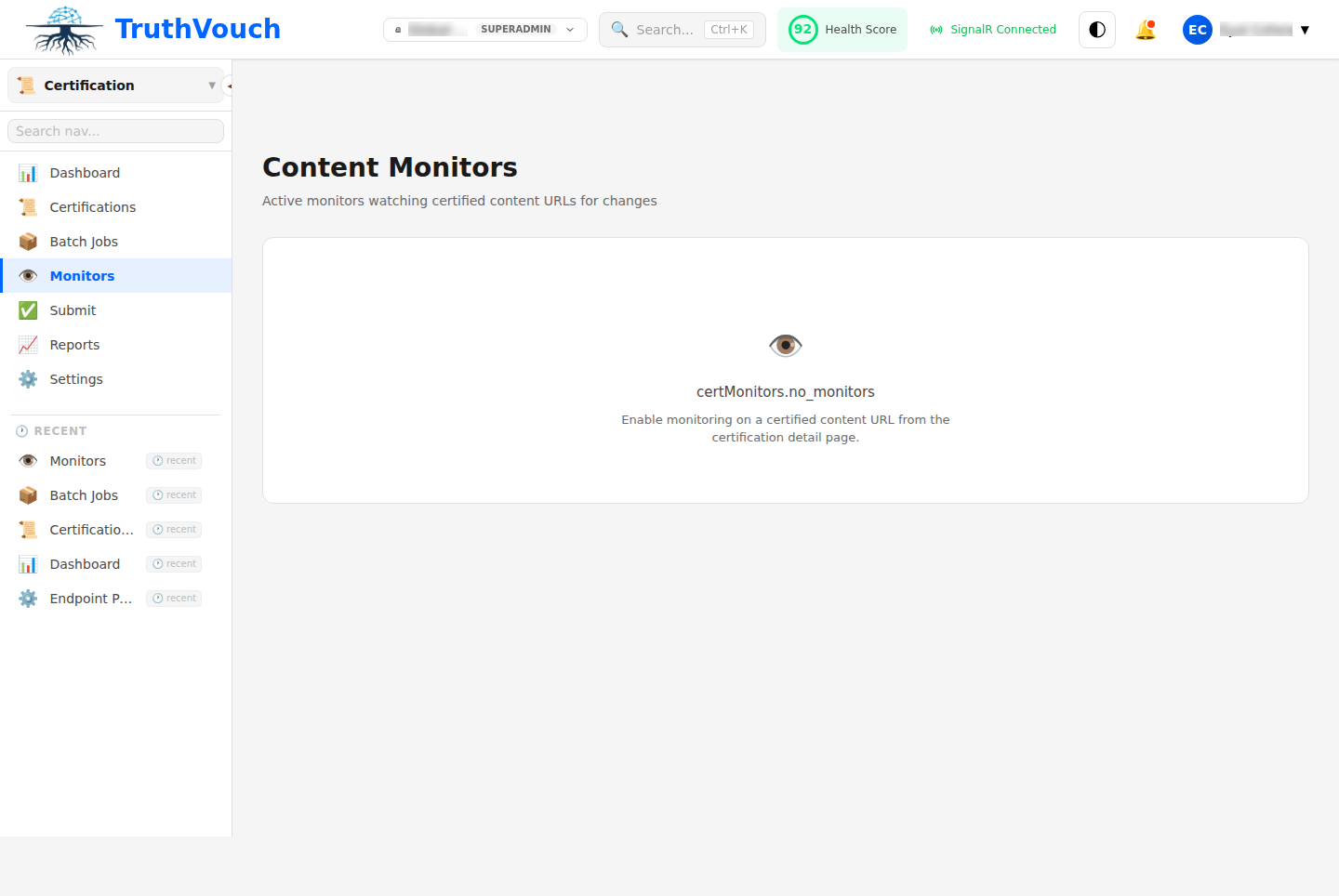
- Navigate to Certification → Monitored Content
- Filter by “Has Drift Alerts”
- View details: what changed, old value, new value
API:
alerts = client.certification.get_drift_alerts(    certificate_id="cert-123",    since="2024-01-01")
for alert in alerts:    print(f"Alert: {alert.message}")    print(f"Fact: {alert.truth_nugget_key}")    print(f"Old Value: {alert.old_value}")    print(f"New Value: {alert.new_value}")    print(f"Severity: {alert.severity}")
Auto-Revocation
How Auto-Revocation Works
- Drift is detected during monitoring
- Drift severity calculated (how significant is the change?)
- If severity > threshold, certificate automatically revoked
- Notification sent to certificate owner
Configuring Thresholds
client.certification.update_auto_revoke_settings(    # Method 1: Percentage drift    drift_threshold_percent=20,  # Revoke if >20% of facts changed
    # Method 2: Specific categories    critical_categories=["pricing", "legal", "safety"],    revoke_if_critical_changed=True,
    # Method 3: Specific fields    revoke_if_fields_changed=["price", "availability", "expiry_date"])
Preventing Unwanted Revocation
For content that shouldn’t auto-revoke:
# Submit with auto-revoke disabledresponse = client.certification.submit(    content="Historical document...",    auto_revoke_on_drift=False,    monitoring_enabled=True  # Still monitor, just don't auto-revoke)
# Or configure category-specific rulesclient.certification.update_monitoring_policy(    skip_auto_revoke_for_categories=["historical", "archived"])
Drift Correction Workflow
When drift is detected:
Option 1: Update Content If your certified content is outdated, update it:
# Update certificate with new contentclient.certification.update_content(    certificate_id="cert-123",    new_content="Updated content with current facts...",    revision_reason="Pricing updated Q1 2024")
# System re-verifies and updates score
Option 2: Update Truth Nuggets If truth nuggets changed but content is still valid:
# Review the changedrift = client.certification.get_drift_details(alert_id="alert-123")print(f"Changed from: {drift.old_value}")print(f"Changed to: {drift.new_value}")
# If change is expected, acknowledge itclient.certification.acknowledge_drift(    alert_id="alert-123",    action="expected_change",    notes="Pricing updated as planned")
# Certificate remains valid, alert dismissed
Option 3: Re-Certify Submit content again with updated facts:
# Get the drift reportdrift = client.certification.get_drift_report(cert_id)
# Re-certify with updated contentnew_cert = client.certification.submit(    content=updated_content,    replaces_certificate=cert_id,  # Mark as replacement    version="2.1")
# Old certificate automatically deprecated, new one is active
Monitoring Reports
Export monitoring data:
# Get monitoring summarysummary = client.certification.get_monitoring_summary(    date_range="last_30_days")
print(f"Total Certificates Monitored: {summary.certificate_count}")print(f"Drift Detected: {summary.drift_count}")print(f"Auto-Revoked: {summary.revoked_count}")print(f"Average Time to Revocation: {summary.avg_revoke_time_hours}h")
# Export drift eventsevents = client.certification.export_monitoring_events(    certificate_id="cert-123",    format="csv")
Best Practices
1. Set Appropriate Thresholds
- Customer-Facing: Strict thresholds, auto-revoke on any pricing change
- Internal: Lenient thresholds, alert but don’t auto-revoke
- Historical: Monitoring enabled but auto-revoke disabled
2. Monitor Critical Categories
Ensure high-risk categories are strictly monitored:
client.certification.update_monitoring_policy( strict_categories=["pricing", "legal", "safety", "compliance"])3. Regular Reviews
Review monitoring reports weekly:
weekly = client.certification.get_monitoring_report(days=7)print(f"This week: {weekly.drift_count} drifts, {weekly.revoked_count} revoked")4. Integrate with Workflows
Connect monitoring to your content management:
- Set up webhooks to content management system
- Auto-trigger content refresh when certificates drift
- Notify editors of required updates
Next Steps
- Badge Customization: Show certificate status in badges
- Auto-Revocation: Configure revocation rules
- Integration: Connect to your content platform