Getting Started with Compliance AI
Get your first AI system registered, mapped to compliance frameworks, and scanned in under 15 minutes. This guide walks you through the quickest path to your first compliance report.
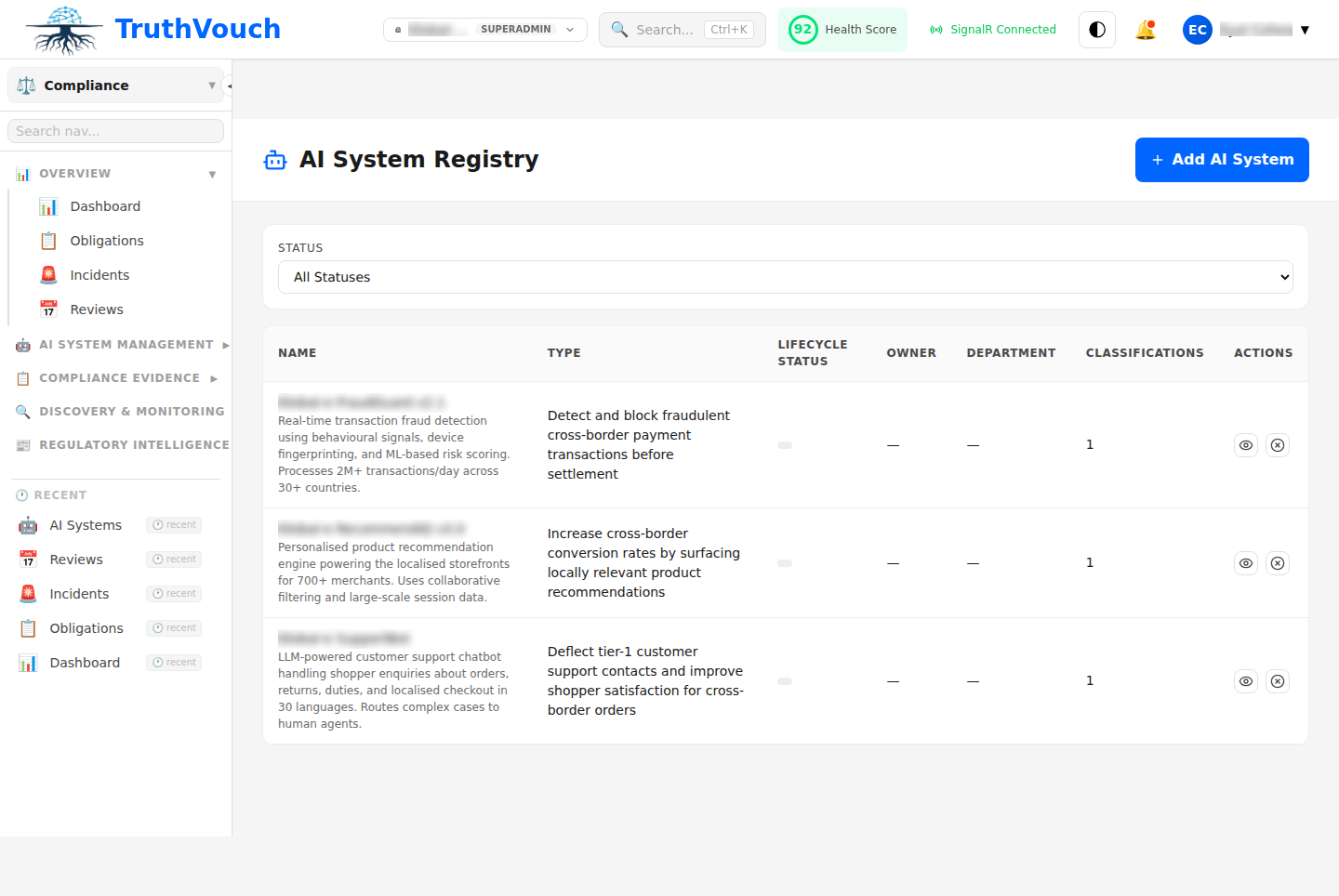
Overview: 4 Steps to Compliance
- Register AI Systems (2 min)
- Select Frameworks (2 min)
- Run Your First Scan (5 min)
- Review Gaps & Generate Report (5 min)
Step 1: Register Your First AI System (2 minutes)
An AI system in TruthVouch is any application or tool that uses machine learning, generative AI, or automated decision-making. Examples:
- Internal chatbot powered by GPT-4
- Customer service recommendation engine
- Resume screening tool
- Data classification system
- RAG (Retrieval-Augmented Generation) pipeline
Via Auto-Discovery (Recommended)
If you have infrastructure connectors configured (AWS, GitHub, Datadog, etc.):
- Go to Registry > Auto-Discovery
- Click Run Discovery Scan
- Wait 2-3 minutes while Compliance AI scans your cloud, logs, code repos, and network
- Review discovered systems
- Click Approve & Register for systems you recognize
- Flag or mark “not AI” for false positives
Auto-discovery typically surfaces 3-5x more systems than manual entry. You’ll likely find shadow AI tools you didn’t know existed.
Time: 2-3 minutes
Manual Registration
If you prefer to start simple:
- Go to Registry > AI Systems > New System
- Fill in:
- System Name — e.g., “Customer Support Chatbot”
- Description — What the system does
- System Type — LLM, Recommender, Classifier, Anomaly Detector, etc.
- Data Inputs — What customer data it processes (PII, financial, health, etc.)
- Decision Scope — Does it make autonomous decisions? Assist humans? Inform only?
- Regions Operating — Where your users/systems are located
- Click Create
You’ll be assigned an initial risk level (Unacceptable / High / Limited / Minimal) based on EU AI Act criteria. You can override it later if needed.
Time: 2 minutes per system
Step 2: Select Frameworks (2 minutes)
TruthVouch supports 55+ frameworks. For your first compliance program, start with the essentials:
Essential Frameworks (Most Organizations)
| Framework | Why | Regions |
|---|---|---|
| EU AI Act | 37 articles, mandatory if you serve EU users | EU |
| GDPR | Data protection requirements | Global if you process EU data |
| ISO 42001 | AI Management System certification | Global |
| NIST AI RMF | Govern, Map, Measure, Manage | US (increasing global adoption) |
| SOC 2 | Trust Services Criteria | SaaS & cloud providers |
Add Later Based on Your Profile
- Healthcare? Add HIPAA, FDA AI guidance
- Finance? Add FINRA, Prudential, FINMA
- Privacy-sensitive? Add CCPA, LGPD, AIDA
- Global operations? Add specific regional rules (UK, China, Japan, etc.)
How to Select
- Go to Compliance > Frameworks
- Filter by Industry and Region
- Click Enable next to each framework you want to audit against
- Click Save
Compliance AI will map all your registered AI systems to requirements in each enabled framework.
Time: 2 minutes
Step 3: Run Your First Scan (5 minutes)
A scan assesses how well your AI systems match framework requirements. Compliance AI checks:
- System documentation completeness
- Control implementation (via infrastructure connectors)
- Training completion rates
- Incident response procedures
- Policy alignment
Manual Scan
- Go to Scans > New Scan
- Select:
- Frameworks: Which frameworks to audit (e.g., EU AI Act + GDPR)
- Systems: Which systems to assess (all or selected)
- Connectors: Enable live evidence collection from your infrastructure (AWS, GitHub, Slack, etc.)
- Click Start Scan
Compliance AI will:
- Auto-connect to your infrastructure connectors
- Pull live control evidence
- Score your systems against framework requirements
- Generate gap analysis
Time: 5 minutes (scan runs in background)
Automated Scans
Set up recurring scans to stay continuously compliant:
- Go to Scans > Scheduled Scans
- Click New Schedule
- Configure:
- Frequency: Daily, weekly, or monthly
- Time: When to run
- Frameworks & Systems: What to assess
- Click Enable
Automated scans run on schedule and alert you if new gaps appear.
Step 4: Review Gaps & Generate Report (5 minutes)
After the scan completes, you’ll see:
Compliance Dashboard
Shows your overall compliance posture:
- Compliance Score — Overall percentage (0-100%)
- Framework Breakdown — Score per framework
- Gap Count — Critical, high, medium, low gaps
- Control Status — Pass, Fail, Partial, N/A counts
Gap Analysis
For each gap, you’ll see:
- What’s missing — Which control or requirement isn’t met
- Why it matters — Regulatory context and risk
- How to fix — Auto-generated remediation suggestions
- Priority — Critical (audit blocker) to Low (nice-to-have)
- Evidence needed — What proof of implementation is required
Remediation Tasks
Compliance AI auto-creates remediation tasks for gaps:
- Assign to teams — Compliance, engineering, product
- Set deadlines — Based on risk level
- Link to Jira/ServiceNow — Integrate with your workflow
- Track progress — Mark complete when fixed
Generate Reports
Now create your first compliance report:
- Go to Reports > New Report
- Select:
- Report Type: Audit-Ready (comprehensive), Board Summary (executive), or Custom
- Frameworks: Which to include
- Systems: Which to report on
- Date Range: Current assessment or historical comparison
- Click Generate
Reports include:
- Executive summary — Key findings and risk posture
- Compliance status — Score per framework
- Evidence mapping — Controls tied to collected evidence
- Gap remediation plan — Prioritized action items
- Auditor guidance — Notes for external auditors
Export in PDF, OSCAL, or NDJSON format for auditors or regulators.
Time: 2 minutes
Typical First Scan Results
Running your first scan on a new AI system might show:
EU AI Act (High-Risk System):
- 37 requirements to assess
- 15 documented (model card, risk assessment, data sheet) — Pass
- 10 partially met (training records incomplete) — Partial
- 8 missing (incident response playbook, audit trail) — Fail
- 4 not applicable (N/A)
- Score: 60%
GDPR (if processing EU data):
- 8 key requirements
- Data processing agreement reviewed — Pass
- DPIA in progress — Partial
- Data subject rights process — Fail (needs documentation)
- Score: 55%
ISO 42001:
- 22 controls
- 8 implemented — Pass
- 7 partially met — Partial
- 7 missing — Fail
- Score: 50%
This is normal for a first scan. Gaps are expected. The benefit: you now have a prioritized roadmap to compliance, not a vague audit checklist.
Common First Questions
Q: Do I need infrastructure connectors configured? A: No. You can run a scan without connectors — it will assess documentation only. But connectors (AWS, GitHub, Datadog, Slack) let TruthVouch pull live evidence of controls working, which dramatically speeds up compliance.
Q: What if my AI system doesn’t fit the UI categories? A: Use the free-text description field. Compliance AI’s AI models will classify it appropriately.
Q: Can I change my framework selection later? A: Yes. Add or remove frameworks anytime, and your historical scan results will update.
Q: How do I know which gaps are critical vs. nice-to-have? A: Gaps are color-coded: red = critical (audit blockers), orange = high, yellow = medium, green = low. Focus on red first.
Q: Can I share scan results with my auditor? A: Yes. Export audit-ready reports in PDF or OSCAL format. OSCAL is machine-readable and accepted by most GRC platforms.
Next Steps
- Need to find more AI systems? See Auto-Discovery
- Want a detailed DPIA? Read DPIA & Algorithmic Assessment
- Ready to set up live evidence collection? Check Evidence Connectors
- Got an incident to report? Jump to Incident Management
- Need to understand a specific framework? Pick one from Frameworks