Auto-Discovering AI Systems
Most organizations have more AI systems than they realize. Beyond official LLM integrations and recommendation engines, shadow AI lives in ML models, low-code/no-code platforms, specialized SaaS tools, and employee usage (ChatGPT instances, copilots, plugins). TruthVouch auto-discovers all AI systems across your infrastructure — typically surfacing 3-5x more systems than teams self-report — without manual effort.
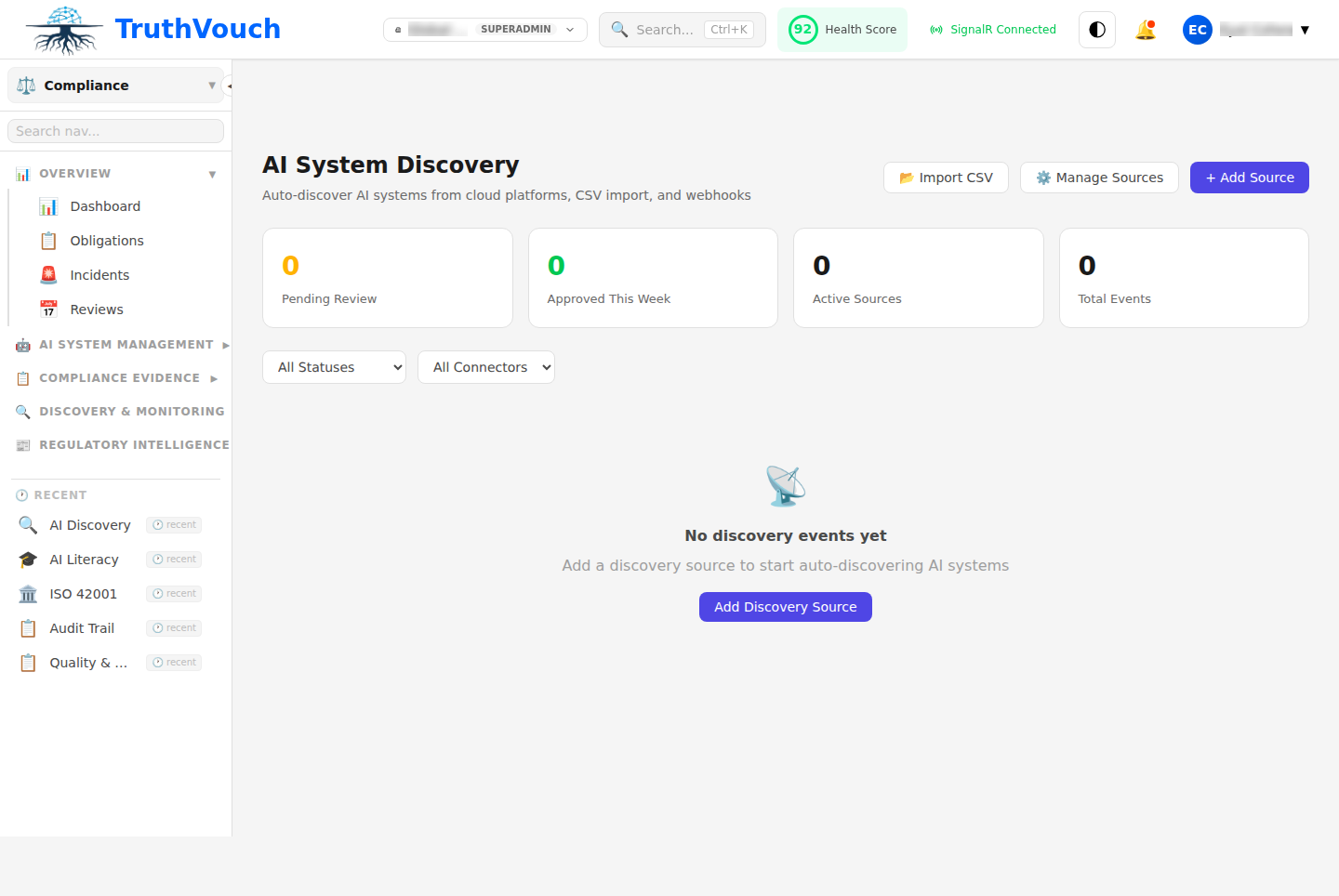
How Auto-Discovery Works
Compliance AI scans your infrastructure across multiple dimensions:
1. Infrastructure Scanning
Cloud (AWS, Azure, GCP):
- Machine Learning services (SageMaker, Azure ML, Vertex AI)
- Model deployments, endpoints, and API gateways
- GPU/TPU resource allocation
- Training job history
- Model registries and model zoos
Kubernetes:
- ML serving frameworks (TensorFlow Serving, Triton, Seldon)
- Model deployment manifests
- GPU node allocation
- Pod resource requests (indicates compute-heavy workloads)
Databases:
- ML-oriented features (Amazon Redshift ML, BigQuery ML)
- ML model tables and vectors
- Feature stores (Feast, Tecton tables)
2. Code Repository Scanning
GitHub, GitLab, Azure DevOps:
- Imports of ML libraries (TensorFlow, PyTorch, scikit-learn, LangChain, OpenAI SDK)
- Model files in Git-LFS (.pkl, .h5, .pth, .onnx, .joblib)
- LLM API calls (OpenAI, Anthropic, Replicate)
- Configuration files indicating ML pipelines
- README files mentioning ML/AI
Detection depth:
- Identifies both deployed and experimental models
- Finds models in shared libraries and SDKs
- Flags API keys/credentials for LLM services (security alert)
3. Application & Dependency Scanning
Package managers (npm, pip, Maven, NuGet):
- ML/AI library dependencies
- LLM client SDKs (openai, anthropic, langchain, etc.)
- ML frameworks (tensorflow, pytorch, sklearn, etc.)
Application servers:
- Flask/FastAPI endpoints that load ML models
- Django apps with ML integrations
- .NET services using ML.NET
4. Logs & Runtime Analysis
Access logs (CloudTrail, Azure Activity Log, GCP Audit):
- Calls to ML inference endpoints
- SageMaker invocations
- API Gateway calls to model endpoints
- Frequency of calls (production vs. experimental)
Application logs:
- Model loading events
- Prediction API calls
- LLM API usage
5. SaaS Inventory Scanning
Integrations with SaaS discovery tools:
- ChatGPT Enterprise instances
- Slack AI plugins
- Microsoft Copilot integrations
- Atlassian Rovo (Slack)
- Notion AI features
- Zapier with AI actions
If connected via SSO (Okta, Azure AD):
- Track app adoption by team
- Identify unofficial AI tools
6. Network Traffic Analysis
If packet capture available (enterprise only):
- Outbound calls to LLM APIs (OpenAI, Anthropic, Google, Hugging Face)
- Model inference endpoint calls
- Unusual data exfiltration patterns (potential training data leaks)
Discovery Process
Step 1: Configure Connectors (10-15 min)
- Go to Compliance > Registry > Auto-Discovery > Configure
- Select connectors to enable:
- Cloud: AWS, Azure, GCP, Kubernetes
- Code: GitHub, GitLab, Azure DevOps
- SaaS: Okta, Slack, Zapier, etc.
- Identity: Azure AD, Okta (for SaaS tracking)
- Provide credentials or API keys
- Click Save
Step 2: Run Discovery Scan (3-5 min)
- Go to Auto-Discovery > New Scan
- Select connectors to scan (use all or subset)
- Set scan scope:
- Organization-wide — All repos, teams, accounts
- Teams — Scan specific teams/departments
- Projects — Scan specific repos/projects
- Click Start Scan
Compliance AI will:
- Connect to each enabled connector
- Inventory ML services, models, APIs
- Parse code and logs
- Identify SaaS integrations
- De-duplicate (same system found in multiple ways)
- Score confidence level for each discovery
Time: 3-5 minutes for typical organization (50-500 systems)
Step 3: Review Discoveries (10-20 min)
Compliance AI shows findings organized by:
Status:
- Confirmed — Definitely an AI system (high confidence)
- Likely — Probably an AI system (medium confidence)
- Review — Human review recommended (low confidence)
- Not AI — Flagged as false positive
By type:
- LLM integrations (ChatGPT, Claude, Gemini, etc.)
- ML models (custom trained models, open-source)
- Recommendation systems
- Computer vision (image classification, object detection)
- NLP tools (entity extraction, summarization)
- Autonomous systems
- Decision systems (scoring, classification)
- Low-code/no-code AI (Zapier, Make, etc.)
By team:
- Which team built or uses each system
- System owner contact info (from Git commits or team mapping)
Step 4: Approve & Register
For each discovery, choose:
-
Approve & Register
- System becomes official in your AI system registry
- Assign owner and team
- System available for compliance scans
-
Mark as Shadow/Unofficial
- Flag as unapproved but real
- Track for governance compliance
- Can escalate to leadership for decision
-
Not AI / False Positive
- Mark as not actually an AI system
- Example: “TensorFlow library used for utility function, not ML”
- Won’t clutter registry
-
Investigate Later
- Defer decision
- Flag for compliance team to review
- Create task in Jira/ServiceNow for investigation
After approval:
- System added to registry with auto-populated metadata
- Risk level auto-assigned (based on EU AI Act criteria)
- Ready for compliance scans
What Discovery Detects
LLM Integrations
Detected signals:
- SDK imports (
import openai,from anthropic import ...,from langchain ...) - API calls to OpenAI, Anthropic, Google, Hugging Face, Replicate endpoints
- Configuration files with LLM settings
- Prompts in code or logs
- Streaming endpoints for LLM inference
Example finding:
System: Customer Support ChatbotType: LLM IntegrationProvider: OpenAI GPT-4Detected in: GitHub repo "support-bot", Flask app "/api/chat"Risk Level: High-risk (automated customer support decisions)Team: Customer Support EngineeringCustom ML Models
Detected signals:
- Model files (
.pkl,.pth,.h5,.joblib,.onnx) - Training code (scikit-learn, TensorFlow, PyTorch)
- SageMaker training jobs, Azure ML experiments
- Vertex AI pipelines
- Model registries (MLflow, Hugging Face Hub)
- Feature engineering code
Example finding:
System: Churn Prediction ModelType: Custom ML ModelFramework: scikit-learnLocation: S3://models/churn-pred-v3.pklLast updated: 2024-02-15Deployed in: SageMaker endpointRisk Level: High-risk (autonomous retention decisions)Team: Data ScienceRecommendation Systems
Detected signals:
- Collaborative filtering libraries
- Vector similarity searches (pgvector, Pinecone, Weaviate)
- Recommendation API calls
- A/B testing infrastructure (indicates active optimization)
- Content ranking code
Example finding:
System: Product Recommendation EngineType: Recommendation SystemData: Customer browsing history, purchase dataDeployed in: Website homepageImpact: Affects 50K+ daily usersRisk Level: Limited-risk (informational, users can browse all products)Team: Product EngineeringComputer Vision Systems
Detected signals:
- OpenCV, PyTorch vision, TensorFlow Lite imports
- Image processing endpoints
- AWS Rekognition, Azure Computer Vision API calls
- Model files for vision (.pth, .pb formats)
- Biometric analysis code (face recognition, fingerprint, iris)
Example finding:
System: Facial Recognition (Access Control)Type: Computer VisionProvider: AWS RekognitionUsage: Building entry controlRisk Level: High-risk (biometric, autonomous access decision)Team: Security OperationsData Classification & Anomaly Detection
Detected signals:
- Isolation Forest, LOF, autoencoders
- Anomaly detection endpoints
- Data classification code
- Alert generation systems
Example finding:
System: Fraud DetectionType: Anomaly DetectionFramework: PyTorch autoencoderInput: Transaction metadata, behavioral featuresOutput: Fraud risk score (automated decisions flagged)Risk Level: High-risk (autonomous financial decisions)Team: Fraud PreventionShadow AI / Unofficial Tools
Often found:
- ChatGPT instances used by teams (not official)
- Zapier workflows with AI actions
- Slack plugins using AI
- No-code AI tools (Obviously AI, Levity, etc.)
- Employee Copilot usage via subscriptions
Example finding:
System: [SHADOW] Finance Team ChatGPT InstanceType: LLM UsageFrequency: 10+ queries/day, 500+ total conversationsData: Draft financial reports, budget forecastsRisk: Medium (sensitive financial data + unvetted AI)Team: Finance (unofficial)Action: Escalate for governance policyDiscovery Confidence Levels
| Confidence | Meaning | Example |
|---|---|---|
| High (95%+) | Definitely an AI system | Model file in cloud storage, LLM SDK import with usage |
| Medium (70-95%) | Very likely AI | ML library dependency, cloud ML service enabled (but no usage) |
| Low (50-70%) | Might be AI | Generic ML library import (might be unused utility) |
For Low confidence findings, Compliance AI will flag for human review rather than auto-register.
Common Discovery Surprises
- Shadow LLM usage — Team members using ChatGPT/Claude on sensitive data
- Data processing pipelines as AI — ETL tools with ML features
- Unused ML libraries — Imported but not actually used
- Vendor AI — Cloud services with AI features enabled you didn’t realize
- Experimental models — Development models forgotten in production
- Spreadsheet AI — Excel with ML (Obviously AI, Codex) embedded
Handling False Positives
If discovery flags something as AI that isn’t:
- Go to discovery result
- Click Not AI
- Optionally provide reason:
- “Utility function only”
- “ML library used for non-ML purpose”
- “Development/testing only”
- Save
Compliance AI learns from feedback and improves detection.
Exporting Discovery Results
Export findings for compliance, governance, or analysis:
- Go to Auto-Discovery > [Scan Result]
- Click Export
- Select format:
- CSV — For spreadsheet analysis
- JSON — For integration with GRC tools
- PDF Report — For presentations to leadership
Report includes:
- System inventory (all discovered systems)
- Risk classification
- Team ownership
- Deployment locations
- Data accessed
- Recommended actions (approve, investigate, remediate)
Best Practices
- Run discovery monthly — Catch new shadow AI early
- Investigate Low-confidence findings — Some real systems have low scores
- Escalate Shadow AI — Flag unauthorized use to governance/security
- Document decisions — Track why you approved/rejected each system
- Correlate with vendor inventory — Cross-reference with SaaS discovery tool
Next Steps
- Run discovery: Go to Compliance > Registry > Auto-Discovery > New Scan
- Register systems manually: Manual Registration
- Review system details: AI System Registry
- Check risk classification: Risk Classification