Understanding Scan Results
After a scan completes, Compliance AI shows a dashboard with overall compliance posture, framework breakdowns, and control status. This guide explains what each metric means.
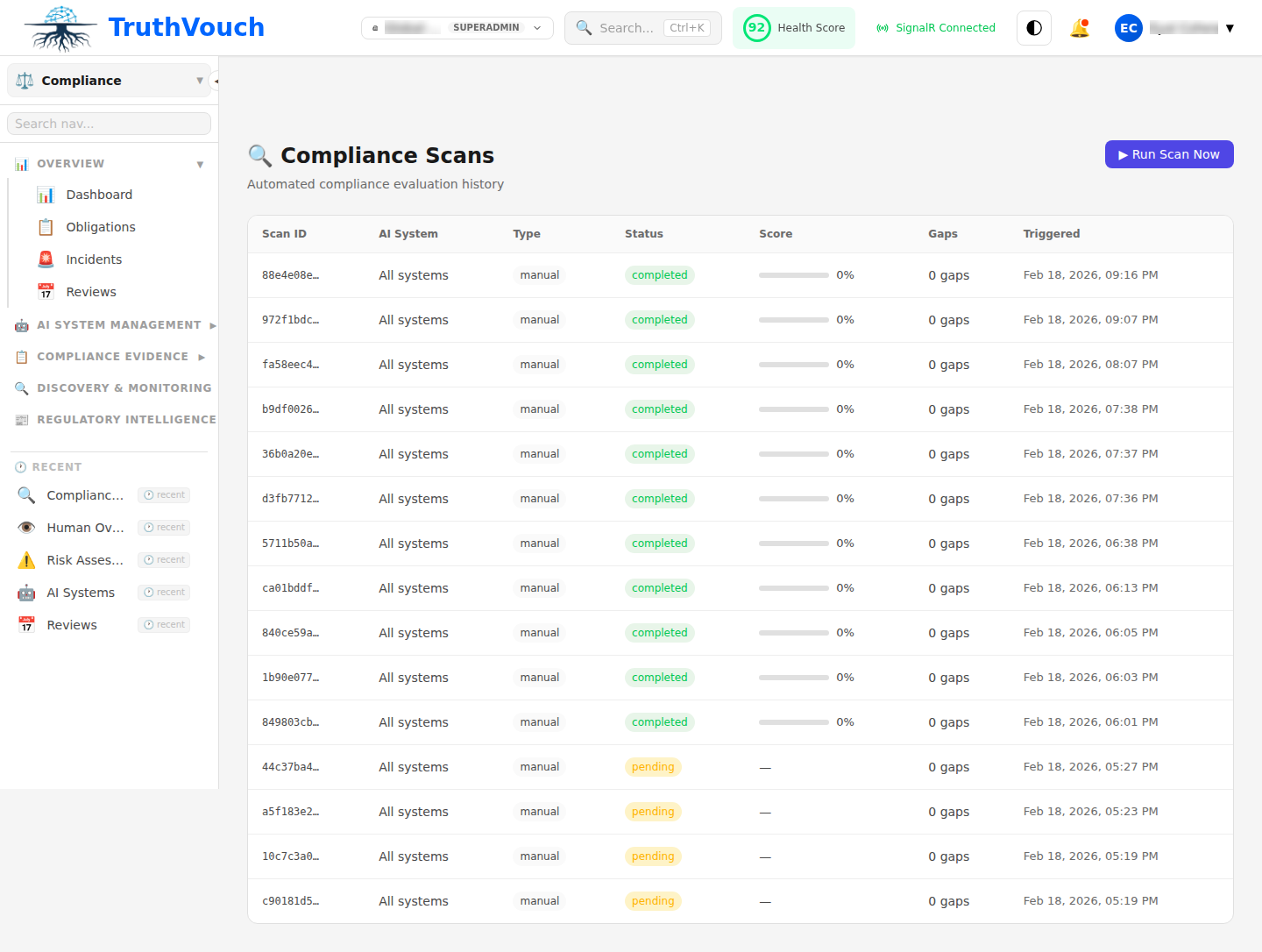
Dashboard Overview
Overall Compliance Score
0-100% score showing how many requirements you’re meeting across all frameworks and systems.
| Score | Status | Meaning |
|---|---|---|
| 90-100% | Excellent | Minor gaps only; audit-ready |
| 70-89% | Good | Major gaps in some areas; remediation plan needed |
| 50-69% | Fair | Significant gaps; 2-4 month remediation timeline |
| <50% | Poor | Many gaps; major work needed; schedule engagement |
Calculation: (Controls Passing / Total Controls) × 100
Framework Breakdown
Score for each enabled framework:
| Framework | Score | Gap Count | Next Step |
|---|---|---|---|
| EU AI Act | 65% | 8 gaps | Run EU AI Act deep dive |
| GDPR | 78% | 3 gaps | Prioritize data protection gaps |
| ISO 42001 | 45% | 12 gaps | Build governance structure first |
| NIST AI RMF | 82% | 2 gaps | Strengthen monitoring |
Click on framework name for detailed breakdown.
Control Status Summary
Overall control count:
- Pass: 25 controls fully implemented
- Partial: 12 controls partially met
- Fail: 8 controls not implemented
- N/A: 3 controls not applicable
Color coding:
- Green = Pass
- Yellow = Partial
- Red = Fail
- Gray = N/A
Per-System Breakdown
For each AI system, you’ll see:
| System | EU AI Act | GDPR | ISO 42001 | Action |
|---|---|---|---|---|
| Chatbot v2 | 75% | 82% | 60% | View Details |
| Churn Model | 62% | 70% | 55% | View Details |
| Vision System | 45% | 88% | 50% | View Details |
Click system name to see detailed control-by-control results for that system.
Control Status Detailed View
For each control, Compliance AI shows:
| Column | Meaning |
|---|---|
| Control ID | Regulation reference (e.g., “EU AI Act Article 5”) |
| Control Name | Human-readable name |
| Status | Pass/Partial/Fail/N/A |
| Evidence | What proof exists |
| Timeline | When last verified |
| Responsible Team | Who should fix |
| Priority | Critical/High/Medium/Low |
Status Meanings
Pass: Control fully met. Evidence demonstrates compliance.
Partial: Control partially met. Some aspects implemented; others need work.
Fail: Control not met. Major work needed.
N/A: Control not applicable to this system (e.g., HIPAA N/A for non-health system).
Evidence Linked to Controls
For each control, Compliance AI links evidence:
| Control | Evidence Type | Evidence |
|---|---|---|
| Risk Assessment | Document | RiskAssessment_ChatBot_v2_Feb2024.pdf |
| Audit Trail | Infrastructure log | AWS CloudTrail showing 10,247 API calls logged |
| Training Completion | Attendance record | 23/25 staff completed AI awareness training |
| Encryption at Rest | Config | AWS KMS encryption enabled on model storage |
| Access Control | IAM policy | 5 users have model inference permissions |
Click evidence link to view actual file or log.
Gap Analysis
Gaps appear as red/yellow items. Each shows:
| Element | Meaning |
|---|---|
| What’s missing | Which control or requirement |
| Why it matters | Regulatory context and risk |
| Effort estimate | Hours/days to fix |
| Auto-suggested fix | Recommended remediation action |
| Priority | Critical (audit blocker) to Low (nice-to-have) |
Example gap:
Gap: Risk Assessment MissingFramework: EU AI Act (Article 6, Annex III)System: Vision System (high-risk)Severity: CriticalWhy: High-risk systems must document risks before deploymentSuggested Fix: Generate DPIA & algorithmic risk assessmentEffort: 4 hoursTrend Analysis
If you’ve run multiple scans, view improvement over time:
- Score trend: Graph of overall score across scans
- Gap closure: Gaps fixed in last scan
- New gaps: Gaps introduced (systems added or regressions)
- Velocity: Rate of improvement (good/slowing)
Filtering & Sorting
Filter results by:
- Status: Show Pass / Partial / Fail / N/A only
- Priority: Show Critical / High / Medium / Low
- Framework: Show EU AI Act / GDPR / ISO 42001 / etc. only
- System: Show specific system only
- Team: Show gaps assigned to specific team
Sort by:
- Effort (easiest first)
- Priority (critical first)
- Team (group by owner)
- Control (alphabetical)
Exporting Results
Export for audit readiness:
- Go to Scan Results > Export
- Select format:
- PDF Report — Formatted for auditors, includes charts
- OSCAL — Machine-readable format for GRC tools
- NDJSON — One gap per line for integration
- CSV — Spreadsheet format for analysis
- Click Download
Next Steps
- Analyze gaps: Gap Analysis Deep Dive
- Create remediation tasks: Remediation Tasks
- Schedule next scan: Running Scans