AI Compliance Training Programs
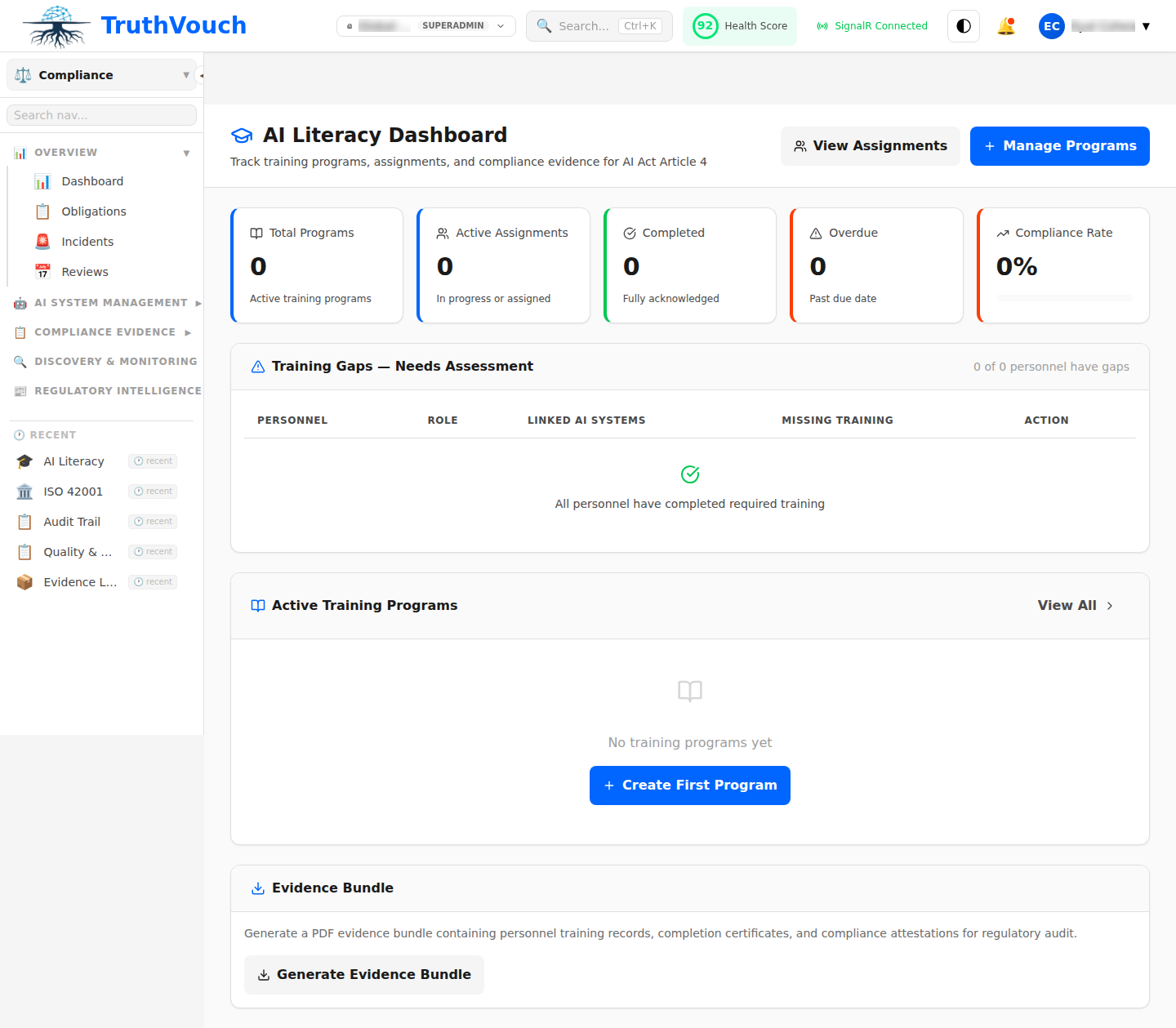
TruthVouch automatically creates and manages training programs for staff on AI governance, compliance requirements, and responsible AI use. Completion is tracked and automatically used as evidence for compliance audits.
How to Create a Training Program
- Go to Compliance > Training > New Program
- Define:
- Name (e.g., “EU AI Act for Product Teams”)
- Description (purpose and scope)
- Required Audience (all staff, specific teams, managers)
- Frequency (one-time, annual, quarterly, etc.)
- Duration (time required to complete)
- Add training content:
- Upload SCORM package (video, quiz, interactive) — see SCORM Integration
- Or link to external training (LinkedIn Learning, Coursera, internal wiki)
- Click Create
Program appears in employee dashboards. Staff receive automated reminders when training is due.
Training Tracks
Recommended training by role:
| Role | Training |
|---|---|
| All Employees | ”AI Awareness & Bias” (30 min, annual) |
| Product Managers | ”EU AI Act for Product Managers” (60 min, annual) |
| Engineers & Data Scientists | ”Responsible AI Development” (90 min, annual) + “Model Fairness Testing” (60 min, annual) |
| Compliance & Legal | ”AI Compliance Frameworks” (120 min, annual) + “Incident Response” (60 min, annual) |
| Leadership | ”AI Governance for Executives” (90 min, annual) |
Tracking Completion
Monitor staff completion:
- Go to Training > [Program] > Completion
- View:
- Overall completion rate
- Completion by team
- Individuals not yet trained
- Completion timeline
- Click Send Reminders to notify staff not yet trained
Completion records are stored as evidence for audits (shows staff were trained).
Next Steps
- Create your first program: Go to Training > New Program
- Upload SCORM content: SCORM Integration
- Track completion: Completion Tracking