Developer Rules
Overview
Developer Rules (custom scan rules) allow you to write organization-specific governance logic beyond the Firewall’s built-in stages. Use them to automatically enforce business policies, prevent data leaks, check compliance conditions, or implement custom security checks.
Rule Types
Regex Pattern Rules
Match text patterns using regular expressions:
rules:  - name: "Block Internal Email Domain"    type: "regex"    pattern: "@internal-domain.com"    scope: "request"    action: "block"    message: "Internal emails must not be sent to external LLMs"
  - name: "Detect SQL Injection"    type: "regex"    pattern: "(?i)(drop|delete|truncate)\\s+(table|database)"    scope: "request"    action: "warn"    message: "Potential SQL injection detected"
Logic Rules (Rego Policies)
Write custom business logic:
package rules.custom_business
# Block requests from test accountsdeny[msg] {    input.user_id =~ "test.*@"    msg := "Test accounts cannot use production LLMs"}
# Ensure data classificationdeny[msg] {    input.prompt contains "confidential"    not input.has_confidentiality_label    msg := "Confidential data requires proper classification"}
# Rate limit by departmentdeny[msg] {    input.department == "marketing"    input.tokens_used > 5000    msg := "Marketing department daily token limit exceeded"}
Allowlist/Blocklist Rules
Match against lists of values:
rules:  - name: "Approved Domain Whitelist"    type: "allowlist"    field: "api_domain"    values:      - "api.openai.com"      - "api.anthropic.com"      - "api.google.com"    action: "block"    message: "Only approved AI providers are allowed"
  - name: "Blocked Competitors"    type: "blocklist"    field: "user_company"    values:      - "competitor-a.com"      - "competitor-b.com"    action: "block"    message: "This organization is not allowed to use TruthVouch"
Creating Rules
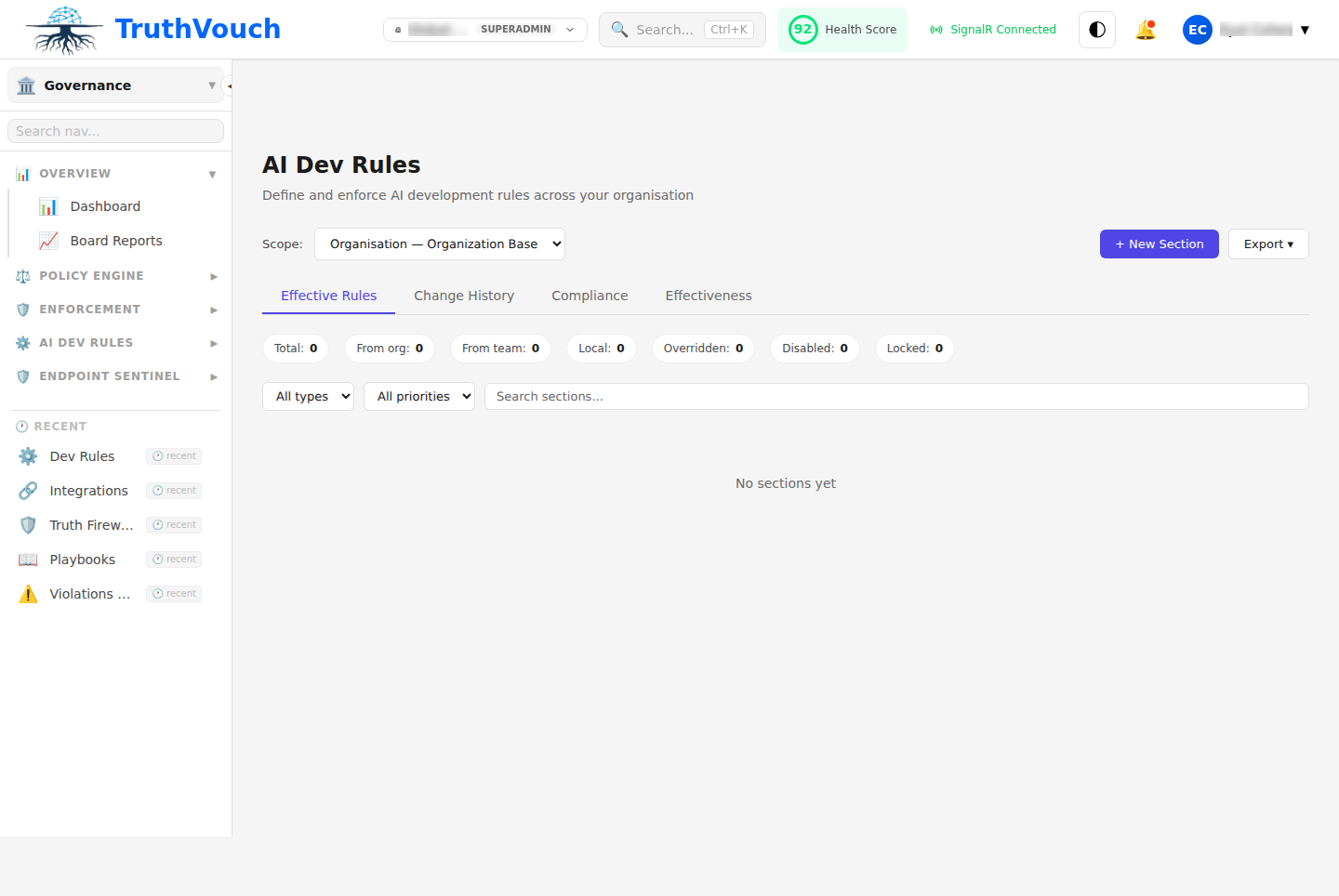
Via UI
- Go to Governance → Developer Rules
- Click + New Rule
- Name: Rule identifier
- Type: Regex, Logic (Rego), or List-based
- Scope: “Request”, “Response”, or “Both”
- Condition: Pattern, logic, or list
- Action: “Block”, “Warn”, “Log”, or “Block & Alert”
- Message: User-facing error message
- Click Test to validate with sample data
- Click Deploy
Via YAML
governance:  developer_rules:    enabled: true
    rules:      - id: "block_internal_data"        name: "Block Internal Docs Leakage"        type: "regex"        pattern: "(Confidential|Top Secret|Internal Use Only)"        scope: "request"        action: "block"        message: "Cannot send internal documents to AI"
      - id: "warn_pii_patterns"        name: "Warn on Unmasked PII"        type: "regex"        pattern: "\\d{3}-\\d{2}-\\d{4}"  # SSN pattern        scope: "request"        action: "warn"        message: "Request contains SSN-like patterns"
      - id: "custom_business_logic"        name: "Enforce Token Budget"        type: "rego"        code: |          package rules.token_budget          deny[msg] {            input.department == "marketing"            input.monthly_tokens_used > 100000            msg := "Marketing token budget exceeded"          }
      - id: "approved_models"        name: "Model Whitelist"        type: "allowlist"        field: "model"        values: ["gpt-4", "claude-3-sonnet", "claude-3-opus"]        action: "block"        message: "Only approved models allowed"
Rule Scope
Request Scope
Applies to user input before it reaches the AI:
- name: "Block Customer PII" scope: "request" pattern: "customer credit card: \\d{4}-\\d{4}-\\d{4}-\\d{4}" action: "block"Response Scope
Applies to AI output before returning to user:
- name: "Block Hallucinated API Keys" scope: "response" pattern: "api_key = [a-zA-Z0-9_]{32,}" action: "block"Both
Applies to both requests and responses:
- name: "Block Competitor Names" scope: "both" type: "blocklist" field: "text" values: ["competitor-a", "competitor-b"] action: "warn"Rule Actions
Block
Prevents request/response from passing through. User sees error message.
action: "block"message: "This content is not allowed"Warn
Allows content through but adds warning flag to audit log. Optional: notify user.
action: "warn"message: "Warning: This content triggered a security rule"severity: "medium"notify_user: trueLog
Records the match in audit trail without modifying behavior.
action: "log"severity: "low"Block & Alert
Blocks the request and sends immediate alert to security team.
action: "block"alert_channel: "slack"alert_recipients: ["#security", "security-lead@company.com"]message: "Potential data exfiltration attempted"Real-World Examples
Example 1: Financial Data Protection
rules:  - name: "Block Credit Card Numbers"    type: "regex"    pattern: "\\d{4}[\\s-]?\\d{4}[\\s-]?\\d{4}[\\s-]?\\d{4}"    scope: "both"    action: "block"    message: "Credit card numbers cannot be processed by LLMs"
  - name: "Block Account Numbers"    type: "regex"    pattern: "(account|acct)\\s+#?[0-9]{8,}"    scope: "request"    action: "block"    message: "Account numbers must not be sent to LLMs"
  - name: "Block Transaction Details"    type: "regex"    pattern: "(transaction|wire transfer).*\\$(\\d+[,.]\\d{2})"    scope: "request"    action: "warn"    message: "Transaction amounts detected, verify customer approval"
Example 2: Competitive Intelligence Protection
rules: - name: "Block Competitor Product Details" type: "blocklist" field: "text" values: - "competitor-product-roadmap" - "unreleased-feature-spec" - "confidential-market-analysis" scope: "request" action: "block" alert_channel: "slack" alert_recipients: ["#security"] message: "Blocked attempt to share confidential competitive data"Example 3: Compliance Policies
HIPAA Compliance:
package rules.hipaa_compliance
# Block protected health informationdeny[msg] {    input.scope == "external_ai"    input.contains_patient_name    msg := "Patient names cannot be sent to external AI services"}
deny[msg] {    input.scope == "external_ai"    input.contains_diagnosis    msg := "Medical diagnoses cannot be shared with external services"}
# Require approval for research usedeny[msg] {    input.use_case == "research"    not input.has_irb_approval    msg := "Research use requires IRB approval documentation"}
GDPR Compliance:
package rules.gdpr_compliance
# Block requests from non-GDPR compliant regions sending to non-EU LLMsdeny[msg] {    input.user_region == "EU"    not is_gdpr_compliant_provider(input.ai_provider)    msg := "EU user data cannot be processed by non-GDPR compliant providers"}
is_gdpr_compliant_provider(provider) {    compliant = ["anthropic-eu", "openai-eu", "azure-eu"]    provider in compliant}
Example 4: Department-Based Rate Limiting
package rules.department_budget
deny[msg] {    input.department == "marketing"    monthly_usage[input.department] > 500000  # 500K tokens/month    msg := "Marketing department monthly token limit exceeded"}
deny[msg] {    input.department == "sales"    monthly_usage["sales"] > 250000    msg := "Sales department monthly token limit exceeded"}
# Track cumulative usagemonthly_usage[dept] = total {    usage := data.monthly_token_usage[dept]    total := sum(usage[*].tokens)}
Testing Rules
Via Web UI
- Go to Governance → Developer Rules → [Rule] → Test
- Enter sample request/response
- Click Run Test
- See if rule triggers
Example Test:
Input Type: RequestInput Text: "My credit card is 4532-1234-5678-9010"Expected Result: BLOCKEDActual Result: BLOCKED ✓Via API
curl -X POST http://localhost:5000/api/v1/governance/rules/test \ -H "Authorization: Bearer $TOKEN" \ -d '{ "rule_id": "block_credit_cards", "input_type": "request", "input_text": "My credit card is 4532-1234-5678-9010" }'Response:
{ "rule_id": "block_credit_cards", "triggered": true, "action": "block", "message": "Credit card numbers cannot be processed by LLMs"}Rule Organization
By Feature
Organize rules by functional area:
rules/ ├── financial/ │ ├── block-card-numbers.yaml │ ├── block-account-numbers.yaml │ └── block-transactions.yaml ├── compliance/ │ ├── hipaa-patient-data.rego │ └── gdpr-eu-data.rego └── competitive/ └── block-confidential-data.yamlBy Stage
Organize by where they apply:
rules/ ├── input-rules/ │ └── block-pii-patterns.yaml └── output-rules/ └── block-hallucinated-keys.yamlPerformance Considerations
Rules are evaluated in order. Expensive rules should come last:
rules:  # Fast: simple regex  - name: "Fast pattern match"    type: "regex"    pattern: "api_key"
  # Medium: list lookup  - name: "Medium list check"    type: "allowlist"    field: "model"
  # Slow: custom logic with DB lookup  - name: "Slow custom logic"    type: "rego"    code: |      package rules.slow      deny[msg] {        user_department := data.user_database[input.user_id].department        # This does DB lookup which is slow      }
Monitoring Rule Effectiveness
Go to Governance → Reports → Developer Rules:
- Trigger Rate: How often each rule fires
- Action Distribution: How many blocked vs. warned
- False Positive Rate: Legitimate content incorrectly flagged
- Performance Impact: Latency added by rules
Best Practices
- Start Simple: Begin with regex rules, graduate to Rego if needed
- Test First: Use test mode before deploying to production
- Monitor Impact: Track false positives and adjust thresholds
- Document Reason: Add comments explaining why rule exists
- Regular Review: Quarterly check if rules are still relevant
- Version Control: Track rule changes in git with commit messages