Writing Policies
Policy Basics
A policy defines a rule that all AI requests/responses must follow automatically. If violated, TruthVouch blocks or warns.
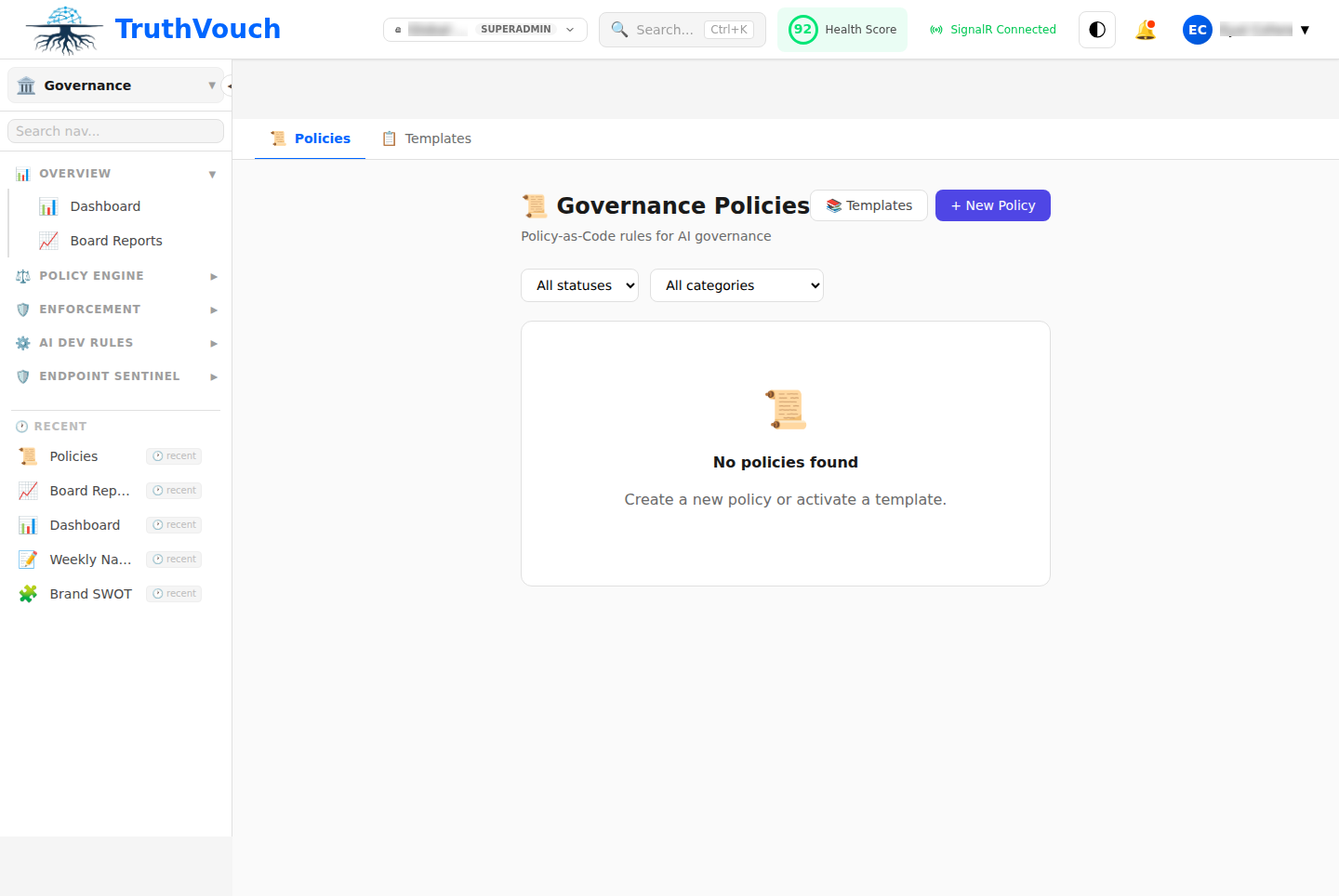
Simple Policy Example:
Name: Block API Keys in RequestsApplies To: All AI ModelsCondition: Request contains pattern "api_key = ..."Action: BlockMessage: "API keys must not be sent to AI models"Policy Structure
Via UI (Visual Policy Builder)
- Go to Governance → Policies → + New Policy
- Fill form:
- Name: Human-readable identifier
- Description: What this policy does
- Applies To: All models, specific model, or by user
- Type: Visual rule or Rego code
- Condition: What to check
- Action: Block, warn, or log
- Message: User-facing error message
- Click Test
- Click Deploy
Via Code (Rego Policies)
Use Open Policy Agent (OPA) Rego language for complex logic:
package policies.security
# Policy: Block PII in promptsdeny[msg] {    input.type == "request"    contains_pii(input.text)    msg := "Requests cannot contain PII; please remove before submitting"}
contains_pii(text) {    re_match("\\d{3}-\\d{2}-\\d{4}", text)  # SSN}
Visual Policy Types
Pattern Matching
Check if request/response matches a pattern:
Condition: Text contains regex patternPattern: \d{4}-\d{4}-\d{4}-\d{4} (credit cards)Action: BlockAllowlist
Only allow items in a list:
Condition: Model is in listList: ["gpt-4", "gpt-4-turbo", "claude-3-opus"]Action: Block (if not in list)Blocklist
Block items in a list:
Condition: User is in listList: ["test-user@company.com"]Action: Block (if in list)Threshold
Check if a value exceeds/falls below threshold:
Condition: Tokens used > valueThreshold: 10000Action: BlockRego Policies
Use Rego for complex business logic:
Example 1: Token Budget Per Department
package policies.token_budget
deny[msg] {    input.type == "request"    department := data.departments[input.user_id]    daily_tokens := data.token_usage[department]["today"]    daily_tokens + input.tokens > data.limits[department]    msg := sprintf(        "Department %v daily token limit exceeded (%v remaining)",        [department, data.limits[department] - daily_tokens]    )}
Example 2: Model Approval by Role
package policies.model_approval
deny[msg] {    input.type == "request"    model := input.model    user_role := data.users[input.user_id].role    not user_can_use_model(user_role, model)    msg := sprintf("Your role (%v) cannot use %v", [user_role, model])}
user_can_use_model(role, model) {    allowed_models := data.role_permissions[role].models    model in allowed_models}
Example 3: Content Safety for Outputs
package policies.content_safety
deny[msg] {    input.type == "response"    input.safety_flags.toxicity > 0.7    input.user_type == "external"  # Only for external users    msg := "Response contains toxic content"}
Policy Scope
By Model
Apply policy only to specific models:
Applies To: gpt-4 onlyBy User/Role
Apply only to certain users:
Applies To: Users with role "analyst"By Department
Apply only to departments:
Applies To: HR departmentAll (Default)
Apply to every request:
Applies To: All users, all modelsActions
Block
Stops the request/response from proceeding.
Action: BlockMessage: "Policy violation: PII detected"User sees error and request doesn’t reach AI.
Warn
Allows request through but logs warning.
Action: WarnMessage: "Warning: Request may violate data policy"Severity: MediumRequest continues, but audit trail shows warning.
Log
Records policy evaluation without user notification.
Action: LogSeverity: LowUseful for monitoring policies before deployment.
Real-World Policy Examples
Policy: Block Unmasked PII
Scenario: Your compliance officer requires all PII to be masked before sending to external AI.
package policies.pii_protection
deny[msg] {    input.type == "request"    input.destination == "external"    contains_unmasked_pii(input.text)    msg := "Cannot send unmasked PII to external AI services"}
contains_unmasked_pii(text) {    re_match("\\d{3}-\\d{2}-\\d{4}", text)  # SSN pattern}
Policy: Rate Limit by Department
Scenario: Marketing gets 100K tokens/month, Engineering gets 500K.
package policies.department_tokens
deny[msg] {    user := input.user_id    dept := data.user_departments[user]    limit := data.dept_limits[dept]    used := data.monthly_tokens[dept]    used + input.tokens > limit    msg := sprintf("Department token limit exceeded")}
Policy: Model Whitelist
Scenario: Only approved models allowed.
package policies.model_approval
deny[msg] {    model := input.model    approved := ["gpt-4", "claude-3-opus", "claude-3-sonnet"]    not model in approved    msg := sprintf("Model %v is not approved", [model])}
Testing Before Deployment
Critical: Always test policies before going live.
- Click Test Policy button
- Enter test cases:
Test 1: SSN pattern "123-45-6789"Expected: BLOCKEDTest 2: Normal text "What is AI?"Expected: ALLOWEDTest 3: Partial SSN "123-45"Expected: ALLOWED
- Run tests
- Verify results match expectations
- Only then click Deploy
Deployment Strategies
Immediate Deployment
Deploy to all users immediately:
1. Click Deploy2. Select "Immediate"3. Policy goes live nowWhen to use: Low-risk policies (informational), critical security policies.
Staged Rollout
Deploy to subset of users first:
1. Click Deploy2. Select "Staged"3. Day 1: 10% of users4. Day 2: 25% of users5. Day 3: 50% of users6. Day 4: 100% of usersWhen to use: Major policy changes, need to monitor impact.
Shadow Mode
Log violations without blocking:
1. Deploy with Action: "Log"2. Monitor violations for 1 week3. If no issues, change to BlockWhen to use: Uncertain about policy impact, want data before enforcing.
Policy Approval Workflow
For governance, require approval before deployment:
- Policy Creator writes policy and tests
- Click “Request Approval”
- Approval Notified (e.g., security team)
- Reviewer examines policy, tests, impact
- Reviewer approves or rejects with feedback
- If Approved: Policy can now be deployed
- If Rejected: Creator can revise and resubmit
Setup Approval Requirements:
- Go to Settings → Governance → Approval Workflow
- Require Approval For: Policy changes
- Approval Required From: Select roles/users
- Auto-Approve After: 48 hours (optional timeout)
Monitoring Policies
After deployment:
- Go to Governance → Reports → Policies
- See Violations chart:
- Which policies triggered most
- Trend over time
- See False Positives:
- Legitimate requests incorrectly blocked
- Adjust thresholds if needed
Retiring Policies
When a policy is no longer needed:
- Click Disable to stop enforcement
- Policy still visible in history
- Violations still logged for audit trail
- Later: Click Archive to move out of active list
API Access
Create/update policies programmatically:
curl -X POST http://localhost:5000/api/v1/governance/policies \ -H "Authorization: Bearer $TOKEN" \ -d '{ "name": "Block PII", "description": "Prevent PII in requests", "type": "rego", "code": "package policies.pii\ndeny[msg] { ... }", "action": "block", "applies_to": "all" }'Best Practices
- Start Simple: Regex policies before Rego
- Test Thoroughly: Use test mode extensively
- Monitor Impact: Watch false positives
- Document Reason: Add comment explaining why
- Version Control: Track changes in git
- Regular Review: Check if still relevant quarterly