Trust Score & Badges
Your Trust Score is a public measure (0-100) of how accurately AI engines represent your organization. Display it on your website with an embeddable badge — proof that you’re transparent and accountable.
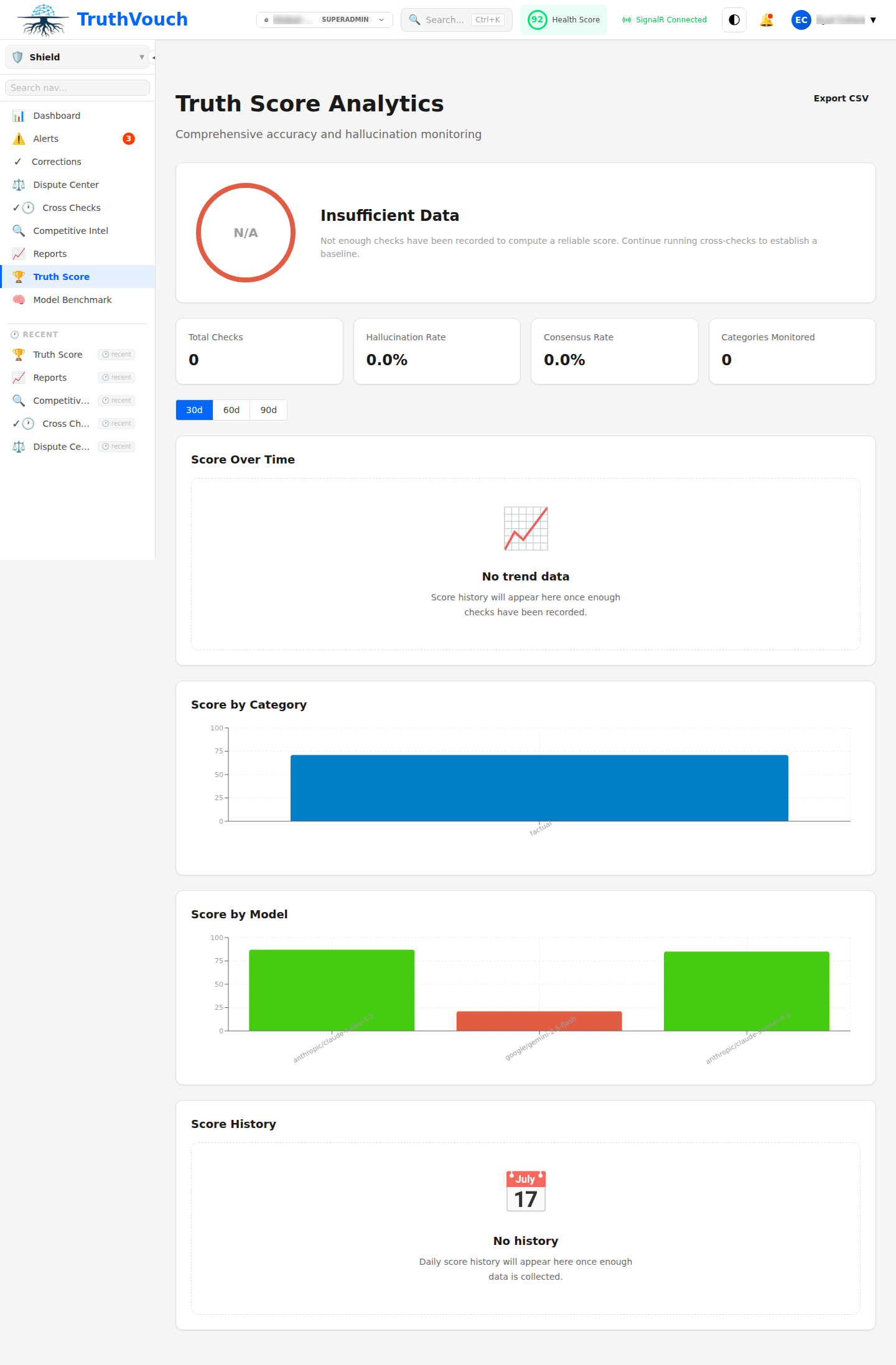
What is Trust Score?
Trust Score measures the accuracy of AI engines about your organization:
- 100: AI engines are perfectly accurate about you
- 90-99: Excellent. Minor discrepancies only
- 80-89: Good. Some hallucinations; you’re correcting them
- 70-79: Fair. Notable inaccuracies; improvement needed
- 60-69: Poor. Significant hallucinations; urgent action needed
- <60: Critical. Major brand risk
Trust Score is calculated the same way as Health Score — it’s the public version.
Why It Matters
Customers and partners want to know:
- Are AI engines giving accurate information about this company?
- Do they correct hallucinations?
- Are they transparent about accuracy?
Trust Score answers these questions publicly. High scores build confidence.
Getting a High Score
1. Create Accurate Truth Nuggets
- Be specific and verifiable
- Set confidence appropriately (don’t inflate estimates)
- Include source URLs
- Keep facts current
2. Monitor Actively
- Schedule regular cross-checks (at least daily)
- Check dashboard weekly
- Respond to detections promptly
3. Deploy Corrections
- Approve suggested corrections quickly
- Deploy Neural Fact Sheets to your domain
- Verify corrections took effect
4. Maintain Your Facts
- Review quarterly
- Update financials when they change
- Remove outdated facts
- Set expiry dates for time-sensitive info
Timeline to high score:
- Week 1: 70-75 (baseline as you find initial inaccuracies)
- Week 2-3: 80-85 (correcting initial hallucinations)
- Month 2: 90+ (most issues corrected)
Trust Badge
The Trust Badge is an embeddable widget showing your Trust Score and linking to your public AI Wiki.
Design Variations
You can choose badge styles:
Option 1: Large Card
┌─────────────────┐│ AI Accuracy ││ 92 ││ ││ Verified by ││ TruthVouch │└─────────────────┘Option 2: Badge with Link
Learn more →Option 3: Minimal Circle
92TruthVouchVerifiedOption 4: Trust Seal
✓ TRUSTED BYTRUTHVOUCH92/100 AI AccuracyPlacement Ideas
Add the badge to:
- Website footer — visible on every page
- Trust Center — dedicated compliance/security page
- About page — builds confidence in brand claims
- Product pages — proof you’re accurate about what you offer
- Email signature (link only) — share trust score with partners
Getting the Badge Code
- Go to Shield → Trust Score & Badges
- Select badge style (preview updates in real-time)
- Choose colors (match your brand)
- Click Get Embed Code
- Copy HTML snippet
- Paste into your website
Example embed code:
<iframe src="https://badges.truthvouch.com/yourcompany?style=large&color=blue" width="300" height="200" frameborder="0"></iframe>The badge auto-updates daily as your Trust Score changes.
Public Trust Center
Your public Trust Center is at:
https://trust.yourcompany.truthvouch.wikiDisplays:
- Trust Score (0-100)
- Trend (last 30 days)
- Engine breakdown (accuracy per AI engine)
- Correction history (what we’ve fixed)
- Certification list (SOC 2, ISO, etc.)
No private information — only facts marked as “public” in your Knowledge Base.
Trust Score API
Developers can query your Trust Score programmatically:
curl https://api.truthvouch.com/v1/trust-score/yourcompany \ -H "Authorization: Bearer YOUR_API_KEY"Response:
{ "organization": "TruthVouch", "score": 92, "trend": "+3", "updated_at": "2026-03-14T12:00:00Z", "engines": { "chatgpt": 91, "claude": 94, "gemini": 89, "perplexity": 90 }}Use this to display your score on your website without embedding an iframe.
Badge Analytics
Track how your badge drives traffic:
Go to: Shield → Trust Score → Badge Analytics
See:
- Total badge views: How many times your badge appeared
- Click-through rate: % of viewers who clicked
- Traffic source: Which pages drive clicks
- Referral traffic: Clicks back to your website
- Geographic distribution: Where viewers are from
Example: “1,247 badge views in March, 234 clicks (18.8% CTR), 127 landing on your product page”
Trust Score Transparency
Shield publishes transparency about how Trust Score is calculated:
Your Public Trust Report includes:
- Definition of Trust Score (how it’s calculated)
- Methodology (which AI engines, facts monitored)
- Update frequency (when it updates)
- Confidence level (how confident are we in the score)
- Full audit trail (what we detect, what we correct)
Customers can verify you’re not gaming the system.
Leveraging Your Score
In Marketing
- “92/100 AI Trust Score — highest in category”
- “Verified accurate by TruthVouch AI accuracy platform”
- “More accurate than competitors (see comparison)“
In Sales
- Show prospects your Trust Score during demos
- Prove you’re transparent about your AI claims
- Differentiate from competitors with lower scores
In Compliance
- Demonstrates EU AI Act Article 37 (transparency)
- Audit trail proves you monitor AI output
- Shows commitment to accurate public information
In PR
- Press release: “TruthVouch Achieves 94/100 Trust Score”
- News story: “How Company X Ensures AI Accuracy”
- Thought leadership: “The Importance of AI Transparency”
Competitive Benchmarking
(Professional+ tier) Compare your score against 5 competitors:
Go to: Shield → Competitive Intelligence
See:
- Your Trust Score: 92
- Competitor A: 78
- Competitor B: 85
- Competitor C: 88
- Competitor D: 72
Market your advantage: “We’re the only [category] company with a verified 90+ Trust Score.”
Common Questions
Q: Can I fake my Trust Score? A: No. Trust Score is calculated independently by TruthVouch based on actual AI engine responses. Your badge links to proof (detailed correction history, audit trail).
Q: What if my Trust Score drops? A: This usually means AI engines found new hallucinations (or you deactivated monitoring). Investigate and deploy corrections. Transparent handling builds trust even more.
Q: Is Trust Score public? A: Yes. That’s the point. Your score and correction history are public, proving you’re accountable. You control what private facts appear (they don’t show on badge).
Q: Can I update the badge color? A: Yes, fully customizable. Match your brand colors.
Q: Does Trust Score affect my ranking? A: Not directly. But high scores may help with:
- Brand reputation searches
- Investor due diligence (positive signal)
- Customer trust (buying decision factor)
- PR & media coverage
Next Steps
- Getting Started with Shield — Launch monitoring
- Dashboard Overview — Monitor your score
- Competitive Intelligence — Benchmark competitors