TruthOps Overview
TruthOps enables autonomous agents to handle routine AI governance tasks — from monitoring and alerting through remediation and reporting. Agents work semi-autonomously (requiring approval) or fully autonomously (within policy bounds).
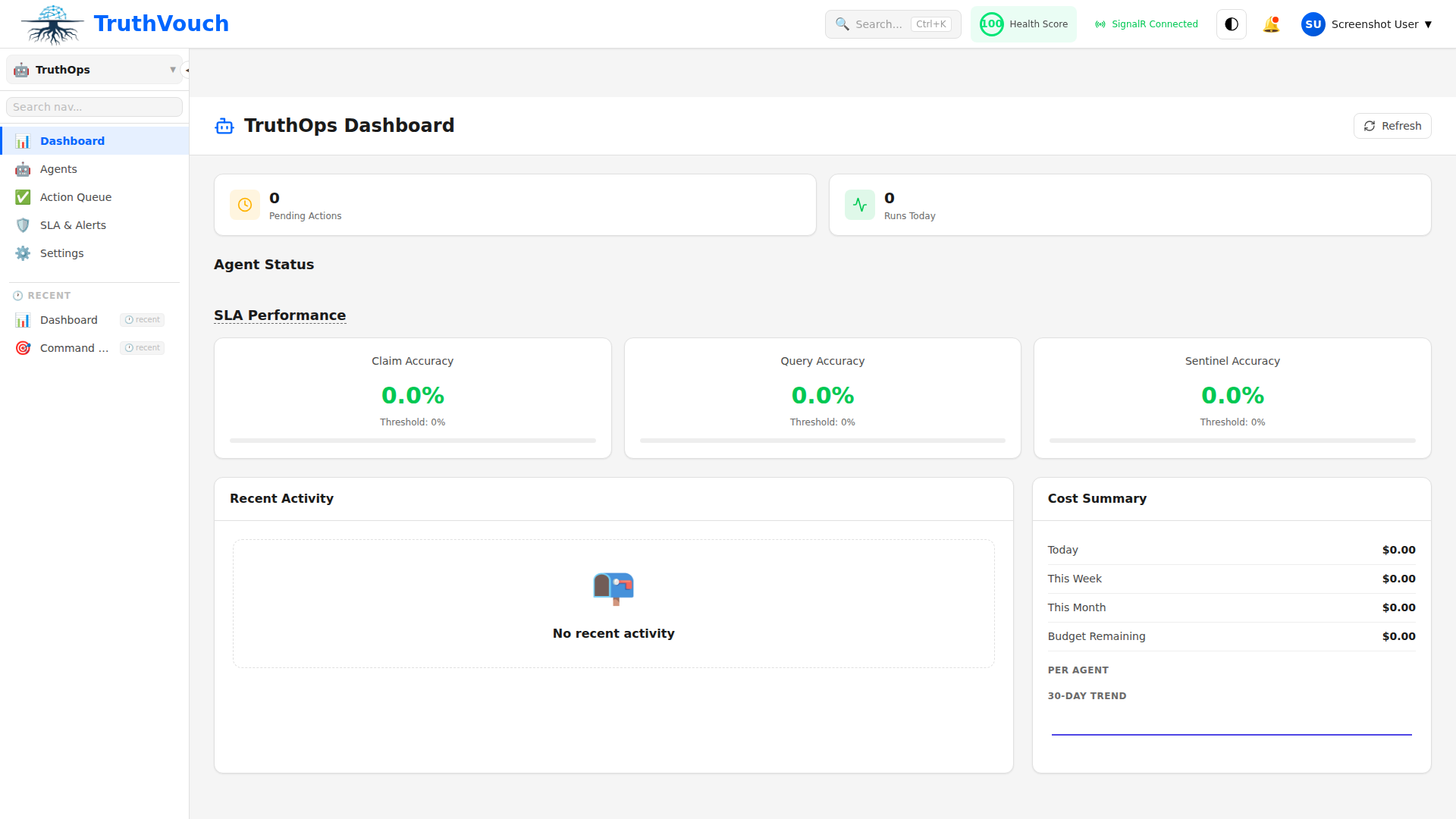
What is TruthOps?
TruthOps is a collection of specialized agents that continuously monitor your AI systems and take corrective actions:
- Monitoring Agents: Track LLM outputs for hallucinations and policy violations
- Remediation Agents: Auto-correct issues or quarantine problematic outputs
- Compliance Agents: Generate evidence and audit trails for regulatory requirements
- Reporting Agents: Create executive summaries and risk dashboards
Agent Types
Monitoring Agents
Automatically scan AI outputs continuously:
- Detect hallucinations (94%+ accuracy using NLI)
- Flag policy violations
- Identify data leaks or sensitive info leakage
- Monitor for brand misrepresentation
- Track performance degradation
Autonomy Levels:
- Alert Only: Flag issues, wait for human review
- Auto-Escalate: Alert supervisors immediately
- Snapshot: Take screenshots/logs for review
Remediation Agents
Automatically fix detected issues with human control when needed:
- Generate corrections for hallucinations
- Rotate API keys on leak detection
- Quarantine problematic outputs
- Retrain models on corrected data
- Update system prompts to prevent recurrence
Autonomy Levels:
- Manual: Wait for approval before acting
- Auto-Act: Act immediately, log for review
- Emergency: Act immediately on critical issues
Compliance Agents
Automatically maintain regulatory evidence:
- Collect control evidence from 16+ system connectors
- Generate audit trails for all AI decisions
- Create compliance reports (SOC 2, ISO 42001, GDPR, etc.)
- Track policy exceptions and approvals
- Manage incident response playbooks
Autonomy Levels:
- Manual Approval: Require sign-off before submission
- Auto-Submit: Submit automatically, notify leadership
- Scheduled: Submit on regular cadence (daily/weekly/monthly)
Reporting Agents
Automatically generate insights and dashboards:
- Executive governance dashboards
- Risk scoring and trending
- Policy violation reports
- Spend analysis and cost optimization
- Team performance metrics
Autonomy Levels:
- On-Demand: Generate reports when requested
- Scheduled: Generate daily/weekly/monthly automatically
- Event-Driven: Trigger on threshold breaches
Key Capabilities
Sub-200ms Enforcement
All agent actions (monitoring, remediation, compliance) execute in sub-200ms:
- Non-blocking to user interactions
- Fail-open (system continues if agent fails)
- Circuit breaker protection
Audit Trail
Every agent action is automatically logged for audit purposes:
- Who triggered the action (agent, user, schedule)
- What happened (check performed, correction made, evidence collected)
- When it happened (precise timestamp)
- Why it happened (which policy/rule)
- Outcome (success/failure/manual review)
Policy-Driven
Agents follow organizational policies:
- Define what agents can and cannot do
- Set approval thresholds
- Configure escalation paths
- Manage exceptions and overrides
Multi-Channel Alerting
TruthOps automatically notifies stakeholders via:
- Slack / Teams
- PagerDuty
- Custom webhooks
- In-app dashboard
Available Tiers
| Feature | Professional | Business | Enterprise |
|---|---|---|---|
| Monitoring Agents | — | ✓ | ✓ |
| Remediation Agents | — | Manual only | Auto+Manual |
| Compliance Agents | — | ✓ | ✓ |
| Reporting Agents | — | ✓ | ✓ |
| Autonomy Levels | — | Limited | Full |
| Custom Agents | — | — | ✓ |
| SLA & Uptime | — | 99.5% | 99.9% |
Quick Start
1. Enable Monitoring Agents
- Navigate to TruthOps → Agents
- Click Enable Monitoring Agent
- Configure:
- Check frequency (1hr, 4hr, daily)
- Severity thresholds
- Alert channels
- Click Activate
2. Configure Autonomy
For each agent type, set autonomy level:
Monitoring Agent  ├─ Alert Only (flag issues, humans decide)  └─ Auto-Escalate (escalate to manager)
Remediation Agent  ├─ Manual (approve all actions)  ├─ Auto-Act (act, notify afterwards)  └─ Emergency (act immediately on critical)
Compliance Agent  ├─ Manual (require sign-off)  └─ Auto-Submit (auto-submit, notify leadership)
3. Set Policies
Define what agents can do via policies:
monitoring_agent:  alert_on:    - hallucinations    - policy_violations    - sensitive_info_leakage  severity_threshold: high  escalate_to:    - compliance_manager    - ciso
remediation_agent:  actions_allowed:    - generate_correction    - quarantine_output    - rotate_keys  require_approval:    - modify_system_prompt    - retrain_model  emergency_actions:    - quarantine_output    - isolate_system
4. Monitor & Review
Dashboard shows:
- Agent activity (checks performed, actions taken)
- Issues detected and resolved
- Approval queue (if using manual autonomy)
- Audit trail and compliance evidence
Common Workflows
Auto-Correction of Hallucinations
LLM generates response ↓Monitoring Agent automatically detects hallucination (NLI: 5% entailment) ↓Remediation Agent automatically generates correction ↓Correction automatically deployed in <4 seconds ↓Audit automatically logged for complianceCompliance Evidence Collection
Hour 00:00: Compliance Agent starts automatically ↓Collects evidence automatically from 16+ connectors (AWS, Okta, ServiceNow, etc.) ↓Generates SOC 2 / ISO 42001 audit trail automatically ↓Hour 00:45: Evidence aggregated and verified automatically ↓Auto-submits to compliance system or notifies leadershipWeekly Governance Report
Every Monday 09:00 AM (automatically) ↓Reporting Agent runs automatically ↓Collects automatically: - Hallucinations detected/resolved - Policy violations - Compliance evidence status - Cost and usage trends ↓Generates executive summary ↓Sends to leadership automatically via email + SlackSecurity & Trust
TruthOps agents are built with security-first principles:
- API Key Isolation: Each agent has separate, scoped credentials
- Audit Trail: Every action is logged and immutable
- Circuit Breaker: Agents fail-open (never block user traffic)
- Explicit Approval: Critical actions require human sign-off
- Rate Limiting: Agents respect rate limits and backoff
- Monitoring: Agent behavior is continuously monitored
Next Steps
- Agents: Learn about specific agent types
- Autonomy: Configure autonomy levels
- Configuration: Set up monitoring policies
- Monitoring: View agent activity and audit trails